

Most traders collect signals the way they collect browser tabs. Dozens open, none acting as a coherent system. A well-structured trading signals workflow separates disciplined traders from those who react impulsively to every alert. The reality is that a signal is just an entry trigger. Without preparation, risk controls, and a review process wrapped around it, that signal is just noise with a timestamp. This guide gives you the exact framework to convert raw signals into repeatable, executable trades with measurable results.
Table of Contents
- Key takeaways
- Your trading signals workflow: prerequisites and tools
- Step-by-step workflow setup
- Common mistakes when managing trading signals
- Measuring and verifying workflow effectiveness
- My take on trading signals and workflow discipline
- Automate your workflow with Tickerly
- FAQ
Key takeaways
| Point | Details | ||
|---|---|---|---|
| Signals are not strategies | Wrap every signal with context filters, entry rules, and risk parameters before trading. | ||
| Modularity beats monolithic setups | Build each workflow stage independently so you can fix or upgrade one part without breaking the rest. | ||
| Risk gates come first | Run daily loss caps and drawdown kill switches before order submission, not after a bad trade. | ||
| Review loops drive improvement | A scheduled review cycle, not more signals, is what compounds your trading edge over time. | ||
Your trading signals workflow: prerequisites and tools
Before you build anything, you need the right foundation. Skipping this step is how traders end up with brittle setups that break on a volatile morning.
Here is what a production-ready workflow requires:
Market data. You need reliable, low-latency price feeds and access to historical data for backtesting. TradingView’s data feeds provide comprehensive historical charts and close to real-time updates.
Signal generation engine. This is your indicator layer. It can be technical (RSI, MACD, moving average crossovers), fundamental (earnings triggers, macro data releases), or AI-based (pattern recognition models). The signal generation process should output structured payloads, not raw text alerts, so your execution system can parse them reliably. TradingView’s Pine Script is the most accessible environment for building and testing these.
Risk management framework. This is not optional. You need configurable parameters for position sizing, per-trade stop-loss levels, and daily loss limits built directly into the workflow logic.
Execution platform and order management. Use Tickerly to connect seamlessly to your exchange for order routing, fill reporting, and partial fill tracking.
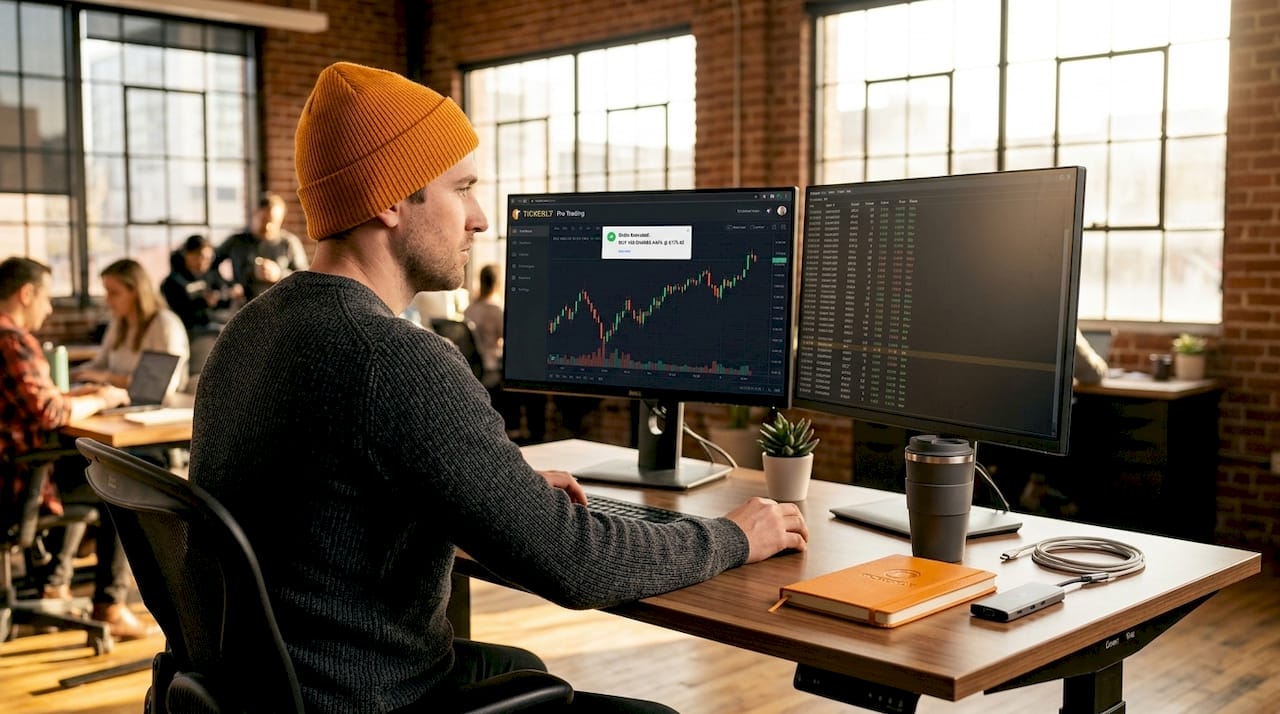
The table below compares the core components across manual and automated setups:
| Component | Manual workflow | Automated workflow |
|---|---|---|
| Signal ingestion | Manual chart monitoring | Webhook or API-triggered alert |
| Entry execution | Trader places order | Bot places order automatically |
| Risk enforcement | Trader judgment | Hardcoded parameters |
| Review | Periodic, often skipped | Scheduled, data-driven |
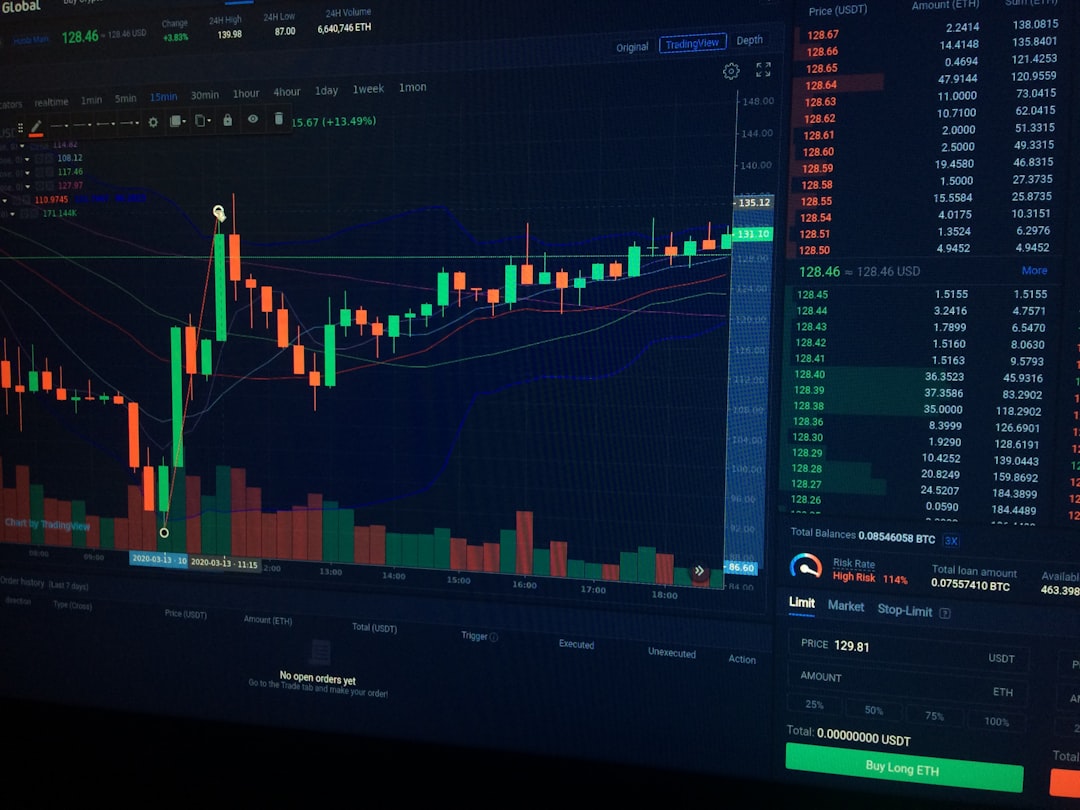
The modular pipeline architecture covering data ingestion, signal strategy, risk management, order execution, and monitoring gives you fault tolerance and operational agility that monolithic setups simply cannot match. Build each stage so it can fail independently without taking down the rest of the system.
Step-by-step workflow setup
A practical daily workflow can cover all critical stages in under five minutes if you build it correctly. Here is how to do it.
- Screen and filter signals with market context. Not every signal deserves a trade. Before acting, classify the current market regime. Is the market trending, ranging, or in high-volatility mode? Apply filters that suppress signals mismatched to the regime. A mean-reversion signal in a strong trending market is a losing trade waiting to happen. Regime classification protects you from the worst signal-to-noise ratio problems.
- Define explicit entry rules. A complete trading system wraps signals with market context filters, entry rules, session constraints, and a review process. Your entry rule must specify the exact timing (open of candle, close of candle, specific time window), required confirmation signals if any, and whether you use limit or market orders. Vague entry rules create inconsistent execution. Write them down like code, not like guidelines.
- Implement risk management parameters. This is where most traders underinvest their attention. Hardcoded risk limits should include a maximum 2% risk per trade, a daily loss halt at 5%, and a maximum drawdown halt at 15%. These are not suggestions. They are kill switches that run before any order submission. Position sizing flows directly from these parameters, not from gut feel about a particular setup.
Pro Tip: Set your daily loss halt as an absolute dollar amount, not just a percentage. When you are in a drawdown, percentages feel abstract. Dollar amounts create behavioral accountability
- Manage active trades with scaling and exit rules. Once in a trade, your workflow needs pre-defined rules for scaling in or out, moving stops to break-even, and final exit triggers. “I’ll know when to exit” is not a rule. Write your exit criteria with the same precision as your entry criteria. Scaling out at predefined profit targets protects gains without requiring perfect exits.
- Schedule a structured review process. Automated daily pipelines can fetch data, calculate indicators, and write results to dashboards for scheduled review. Your review cycle should run daily (quick execution quality check), weekly (win rate and drawdown review), and monthly (full strategy performance analysis). The review is not optional. It is where your edge actually gets built.
Common mistakes when managing trading signals
The most dangerous mistake in any trading signals workflow is treating a signal indicator as a complete strategy. Signals need context filters and explicit rules to define when to trade. Without that wrapper, you are essentially flipping a structured coin.
Here are the other mistakes that kill workflows before they produce results:
- Overtrading on every alert. Signal volume feels like opportunity. It is mostly noise. Apply a maximum trade count per session as a circuit breaker.
- Ignoring risk rules under pressure. Risk parameters feel unnecessary during winning streaks and get bypassed during losing streaks. Both are the wrong time to override them.
- Poor execution leading to slippage death by a thousand cuts. Small consistent slippage erodes edge faster than a single bad trade. Track it on every fill.
- Duplicate signals firing repeated orders. If you are not using TradingView to fire your signals, one signal does not always equal one webhook delivery. Server-side deduplication keyed by timestamp and strategy ID prevents the same signal from triggering multiple orders.
- Failing to review and adapt. A workflow that worked in February may underperform in August. Markets change. Your review cycle catches drift before it becomes disaster.
“Robust signal-to-execution systems rely on modular pipeline stages and comprehensive monitoring to maintain operational agility and prevent cascading failures.” — Algovantis
Pro Tip: If you are running multiple strategies simultaneously, apply execution-side rate limiting using a token bucket approach. Aggregate rate limits across strategies can cause you to exceed exchange API order placement limits, which results in rejected orders at exactly the wrong moment.
Measuring and verifying workflow effectiveness
Consistent application of a structured workflow produces measurable improvements in both risk control and return consistency. But you need to track the right metrics to know if your workflow is actually working.
| Metric | What to measure | Review frequency |
|---|---|---|
| Execution quality | Fill price vs. intended entry | Daily |
| Slippage per trade | Actual cost of market orders | Daily |
| Win rate by regime | Performance across market conditions | Weekly |
| Maximum drawdown | Peak-to-trough capital decline | Weekly |
| Risk-adjusted return | Sharpe or Sortino ratio | Monthly |
Execution quality is the first thing to optimize, because even a statistically strong signal strategy loses its edge when poor fills consistently add 0.1% to 0.3% per trade. At 100 trades per month, that is a 10% to 30% drag on your gross return before fees.
Your monitoring setup should log every order event automatically. Manual logging fails under stress and introduces gaps precisely when you need complete data most. If you are using TradingView as your signal source, automated alerts integrated with execution systems eliminate the manual step entirely and create a continuous log by default.
A structured review schedule also protects you against strategy drift. Markets shift regimes. A workflow that produced a 60% win rate in a trending market may drop to 45% in a sideways market if your filters are not regime-specific. Monthly reviews catch this pattern before it creates significant drawdown. Quarterly reviews are where you recalibrate position sizing based on updated volatility readings and correlation data.
My take on trading signals and workflow discipline
I have watched traders spend weeks building elaborate signal generation systems, only to abandon the workflow the moment three trades lose in a row. Here is what I have learned from that pattern.
The signals were never the problem. The missing structure around them was.
In my experience, the biggest misconception traders carry into workflow design is that better signals solve execution problems. They do not. A mediocre signal with a disciplined workflow outperforms a sophisticated signal with no workflow every time. The math is unforgiving on this point.
What actually changed my trading consistency was treating the review process as non-negotiable, not as something I would do “when I had time.” When I committed to a weekly review, I started catching systematic execution problems within days rather than months. That early feedback loop compressed what would have been quarters of suboptimal trading into a few corrective adjustments.
My other hard-won lesson: risk gates deserve engineering attention equal to signal generation. Most traders treat risk management as an afterthought bolted onto an entry system. The traders I respect most build their risk kill switches first, then design signal logic to work within those constraints. It is a fundamentally different mental model, and it produces fundamentally different results.
Automation matters here too. Manual oversight at every step creates fatigue, and fatigue creates exceptions to rules. The best workflow is one that enforces your rules when you are too tired, distracted, or emotionally compromised to enforce them yourself. That is not a weakness to engineer around. That is an honest acknowledgment of how humans actually perform under financial pressure.
— Jay
Automate your workflow with Tickerly
If you have built your workflow structure and want to close the gap between TradingView signal and live execution, Tickerly does exactly that.
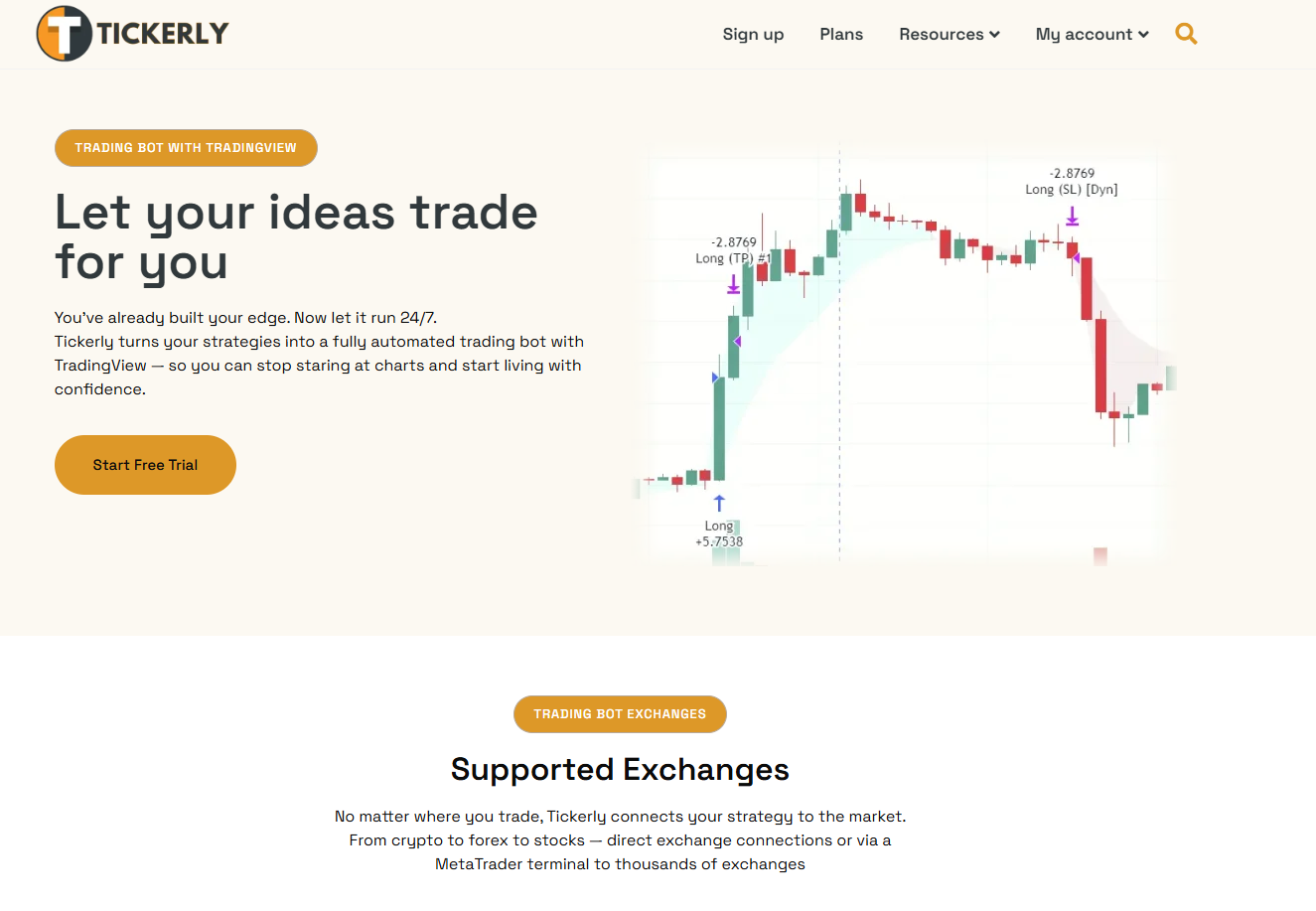
Tickerly turns your TradingView Pine Script strategies into fully automated trading bots that fire orders the moment your alert conditions are met. No manual intervention. No copy-paste delays. Your risk parameters, order types, and position sizing rules connect directly to your exchange through Tickerly’s execution layer. The dashboard gives you real-time visibility into fill quality, execution logs, and alert history, so your review process has the data it needs. You can explore the TradingView automation setup or check the automated trading FAQ to see exactly how the integration works for your strategy type.
FAQ
What is a trading signals workflow?
A trading signals workflow is a structured process that converts raw trade signals into executed orders by wrapping each signal with market context filters, entry rules, risk parameters, and a review cycle. It treats signals as entry triggers, not complete strategies.
How do I manage duplicate signals in an automated setup?
Use server-side deduplication keyed by timestamp and strategy ID if you are not using TradingView. Production webhook systems cannot assume one signal equals one delivery, so deduplication logic at the execution layer prevents the same alert from firing multiple orders.
What risk limits should I hardcode into my workflow?
Standard production risk limits include a maximum 2% risk per trade, a 5% daily loss halt, and a 15% maximum drawdown halt. These kill switches must run before any order submission to protect capital effectively.
How often should I review my trading signals workflow?
Run a daily check on execution quality and fill prices, a weekly review of win rate and drawdown, and a monthly full performance analysis covering risk-adjusted returns and signal-to-trade ratios. Monthly reviews catch strategy drift before it compounds into significant losses.
Can I automate my TradingView signals for live trading?
Yes. Tools like Tickerly connect TradingView alerts directly to exchange APIs, automating order placement the moment your Pine Script conditions fire. This eliminates manual execution delays and enforces your workflow rules consistently.
Recommended
- How to Build a Step-by-Step Trading Bot on TradingView – Tickerly
- How to Build a Step-by-Step Trading Bot on TradingView with Tickerly: A Complete Guide – Tickerly
- Trading Bot Strategy – The 5 Essential Elements Every Bot Needs – Tickerly
- How to Automate Trading on TradingView Using Tickerly – Tickerly