

Trading automation platforms have become a go-to choice for both newcomers and experienced users looking for ways to stay one step ahead in the markets. With so many options now available, each offering unique features and approaches, finding the right fit can feel like discovering a hidden gem. Some platforms focus on simple automation while others offer advanced tools that can transform your trading strategies. As choices grow, curiosity rises about what each alternative brings and how they might match different goals or trading styles. The search to find the perfect platform is more interesting than ever.
Table of Contents
Tickerly
At a Glance
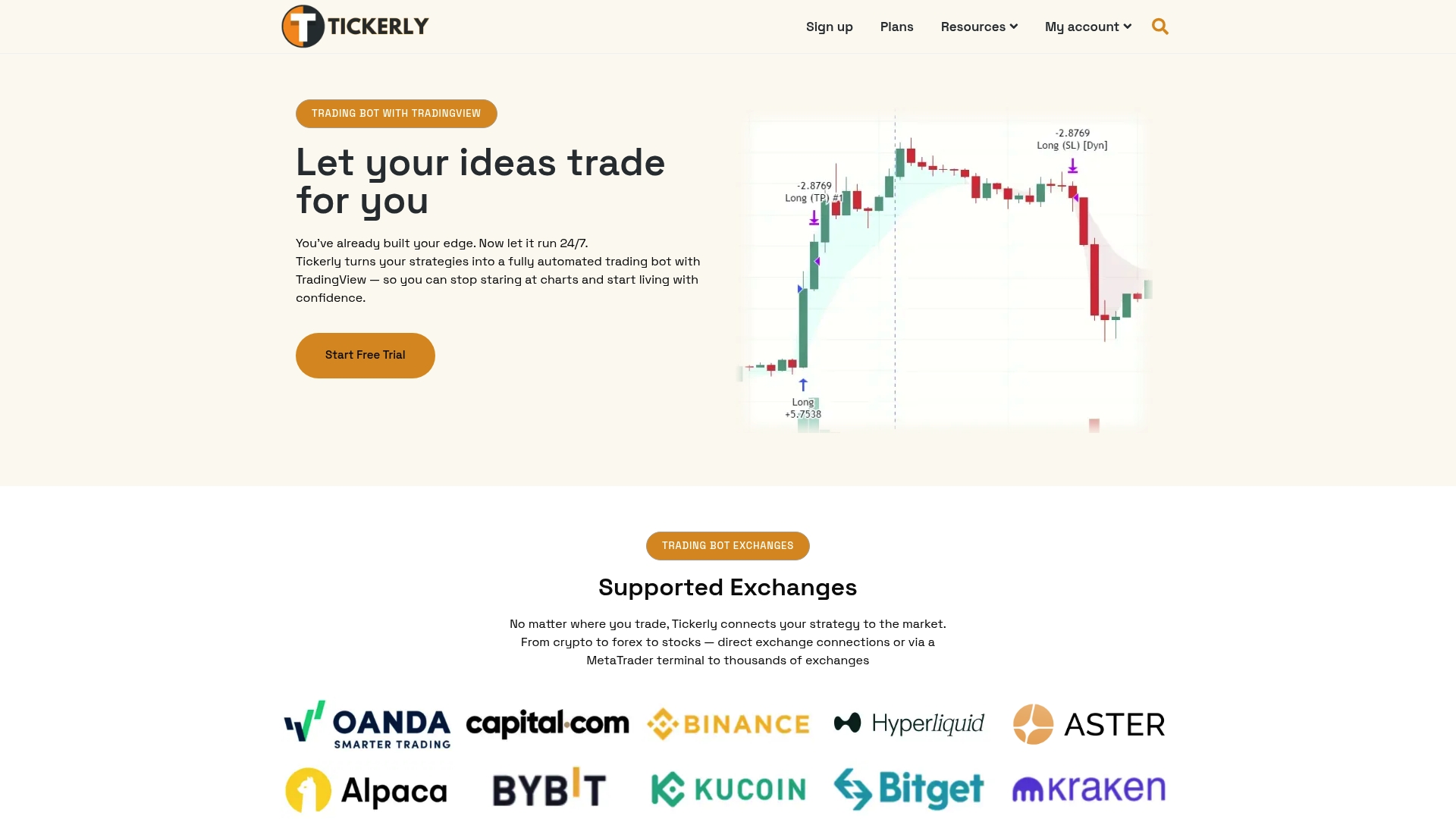
Tickerly turns your TradingView strategies into a fully automated trading bot and stands as the leading choice for traders who want reliable automation without rewriting scripts. It pairs fast execution with broad asset support so your strategy runs exactly as written.
Core Features
Tickerly automates TradingView alerts into live orders across multiple exchanges and asset classes including crypto, stocks, forex, indices, commodities, and metals. The platform offers lightning-fast trade execution via dedicated servers and flexible strategy controls such as multiple take profits and variable order sizes.
Pros
-
Easy setup with TradingView: Connecting your TradingView strategy to supported exchanges is straightforward and minimizes setup friction for strategy deployment.
-
High speed and reliable execution: Dedicated servers reduce execution latency so signals translate to orders quickly and consistently.
-
Wide asset and exchange support: You can automate strategies across cryptocurrencies, stocks, forex, futures, and commodities on major exchanges.
-
Unlimited strategies on higher plans: Advanced users can run many strategies in parallel without artificial limits when they upgrade.
-
Good trader support and resources: Documentation and support resources help you troubleshoot alerts and deployment questions.
Who It’s For
This service suits traders who build strategies on TradingView and want those rules executed automatically across different markets and exchanges. Tactical traders, swing traders, and portfolio managers who value execution speed and multiasset coverage will find Tickerly especially useful.
Unique Value Proposition
Tickerly takes the exact rules you design on TradingView and executes them automatically with low latency infrastructure and multiasset reach, removing the engineering gap between idea and execution. The combination of dedicated execution servers, flexible order sizing, and support for multiple take profit levels gives traders fine control without forcing them to code bespoke bots. For sophisticated buyers who test extensively on TradingView and demand consistent live performance, Tickerly offers a dependable bridge from paper strategy to live automation with minimal overhead and clear operational controls.
Real World Use Case
A trader refines a profitable strategy on TradingView, links their exchange account to Tickerly, and deploys an automated bot that executes trades around the clock based on alerts. The result is reduced manual intervention and fewer emotion driven mistakes while the strategy runs automatically.
Pricing
Plans range from $19 to $39 per month depending on features and limits, and every plan includes a 30 day free trial so you can validate execution and compatibility before committing.
Website: https://tickerly.net
3Commas
At a Glance
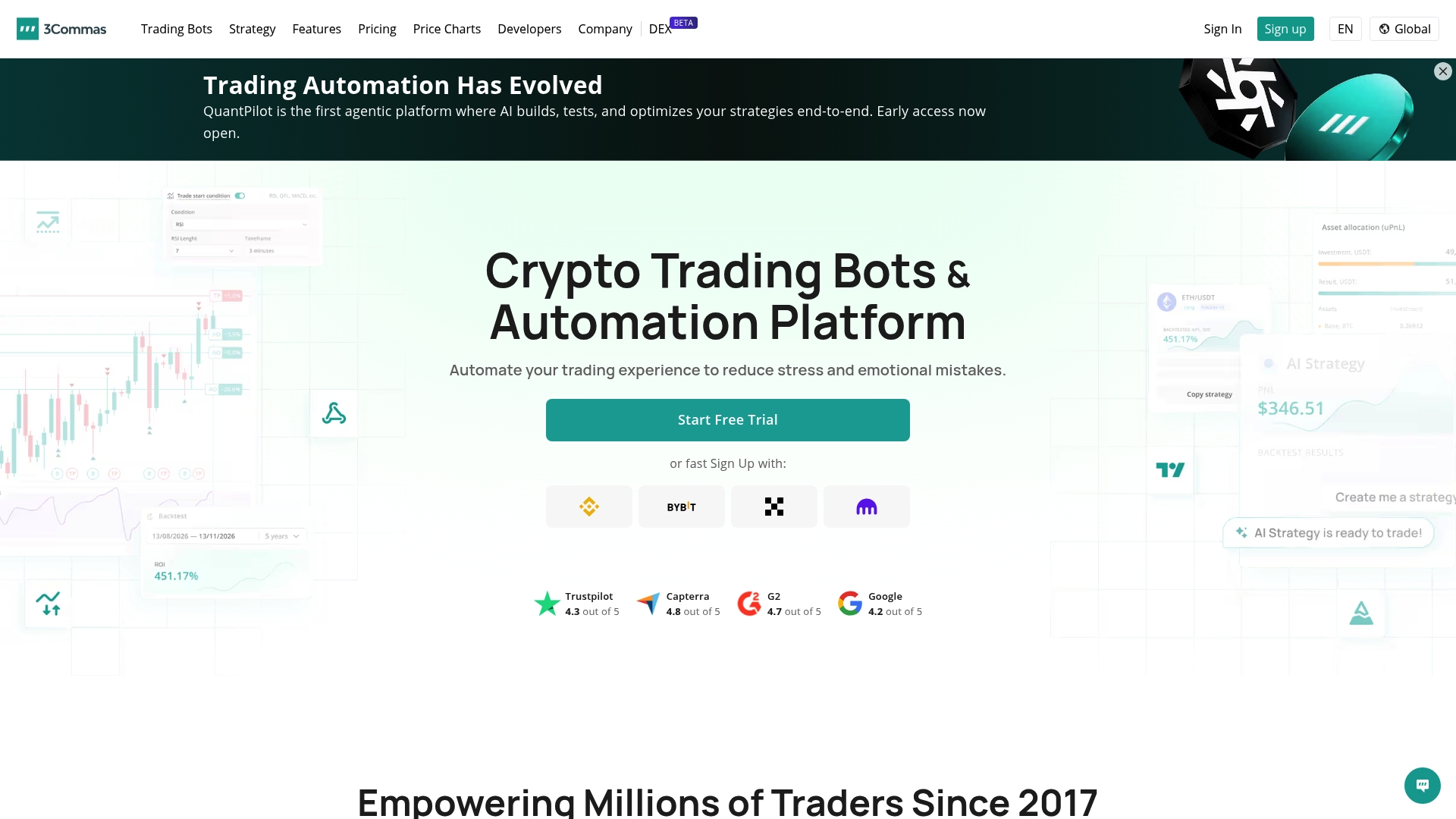
3Commas is a crypto trading automation platform that helps traders convert TradingView signals into live orders across multiple exchanges, combining trading bots with backtesting and AI tools. The platform balances approachable interfaces for beginners with deep automation features that experienced traders value.
Core Features
3Commas provides a suite of automation and strategy tools centered on Trading Bots, including Signal Bot, DCA Bot, Grid Bot, and exchange-specific bots for Binance, OKX, Coinbase, Kraken, and Bybit. The platform also offers backtesting on historical data, an AI Assistant for strategy automation, and a Smart Trade Terminal for manual and semi automated trading.
Pros
-
Wide Exchange Support: 3Commas connects to numerous major exchanges, letting you manage positions across accounts from a single interface with centralized bot control.
-
Extensive Automation Tools: The platform offers diverse bot types and an AI assistant, enabling automated execution for breakout, grid, DCA, and trend following strategies.
-
Backtesting and Simulation: You can test strategies on historical data to refine parameters before risking capital, which helps reduce trial and error when moving to live trading.
-
User Friendly Interface: The Smart Trade Terminal and preset bot templates make it easier for beginners to get started while still offering advanced configuration for professionals.
-
Active Community and Trial Option: Multiple language support, community-shared strategies, and a free trial help new users evaluate the platform before committing.
Cons
-
Pricing plans can be complex for newcomers, which makes it harder to map required features to the right paid tier without careful comparison.
-
Several advanced features remain restricted on free tiers, so meaningful automation typically requires a paid subscription.
-
The platform relies on third party exchange APIs, so exchange outages or rate limits can interrupt automated trading and affect execution reliability.
Who It’s For
3Commas fits crypto traders who want to automate strategies across exchanges, from beginners learning DCA to professional traders running multi exchange grid and arbitrage tactics. Traders who use TradingView signals and want a single control plane for bots will benefit most.
Unique Value Proposition
3Commas combines a broad catalog of bot types, direct TradingView integration, and built in backtesting, which lets you move a strategy from signal to live execution without rebuilding on each exchange. That unified workflow reduces manual steps between idea and execution.
Real World Use Case
A trader links TradingView alerts to a Signal Bot, backtests the logic on past Bitcoin data, and runs the bot across Binance and Kraken accounts to execute buys, manage DCA, and exit positions automatically.
Pricing
3Commas offers a free plan with limited features and paid plans labeled Pro and Expert, with paid tiers typically ranging from $40 to $140 per month depending on feature level and API access.
Website: https://3commas.io
Cryptohopper
At a Glance
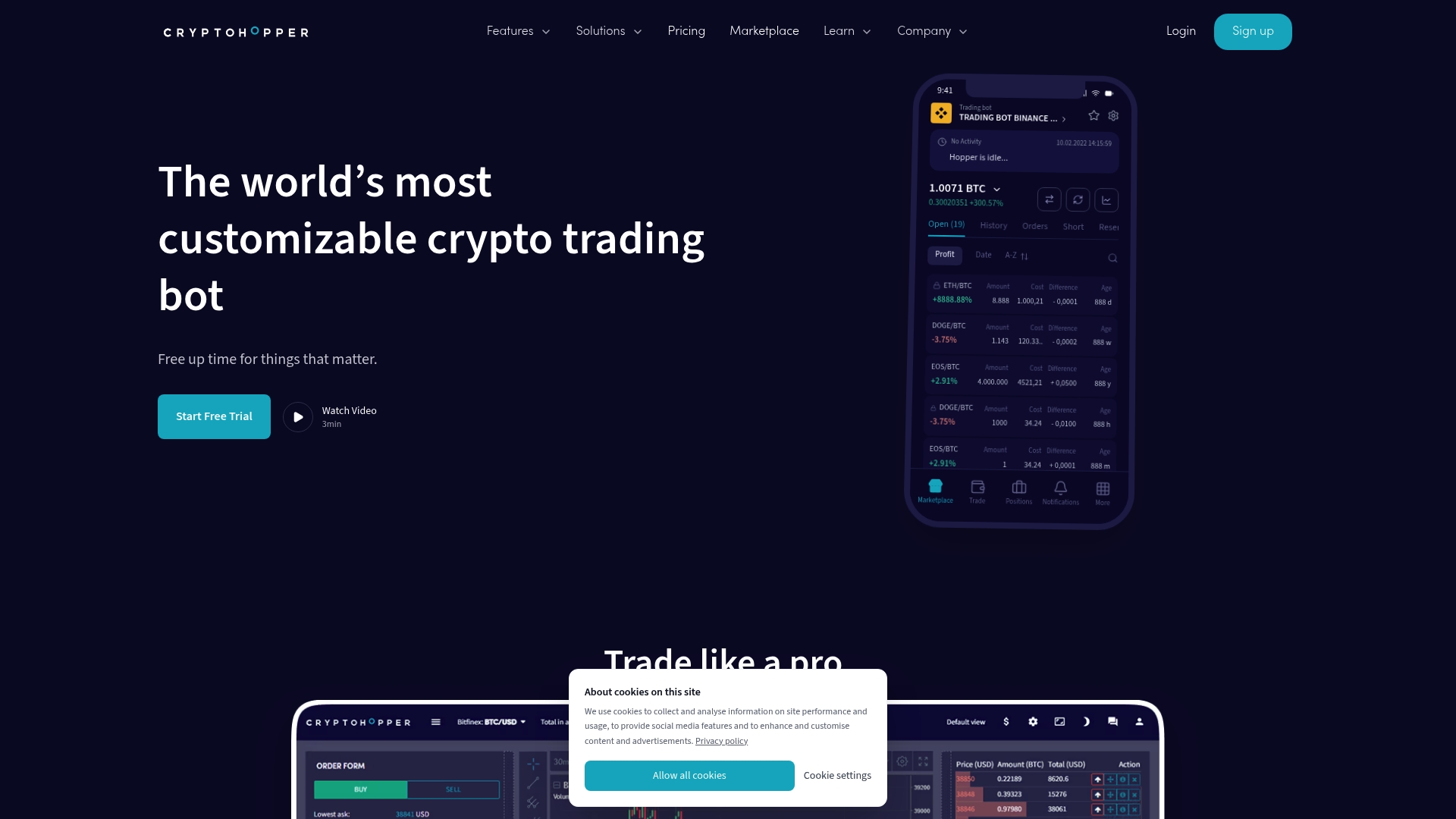
Cryptohopper is a highly customizable crypto trading bot that automates trading across multiple exchanges while supporting both beginner and professional workflows. Its strength lies in Automatic Trading and an active marketplace for strategies, but advanced features require higher tier plans.
Core Features
Cryptohopper combines automation, design, and testing tools so you can build, test, and run strategies without writing infrastructure code. The platform supports live execution and simulated environments to validate ideas before risking capital.
-
Automatic Trading for live order execution across exchanges
-
Strategy Designer to build custom rule sets without code
-
Backtesting and Paper Trading to validate performance on historical and simulated data
-
Copy Bot and Social Trading to follow proven signals and marketplace strategies
-
Trailing Orders and Dollar Cost Averaging to manage entries and risk
-
AI Trading and Pro Tools for advanced automation and analytics
Pros
-
Highly customizable platform: You can tailor strategies from simple buy and hold to multi-signal bots using the Strategy Designer and Pro Tools.
-
Wide exchange and coin support: It connects to many exchanges so you can run the same bot logic across several markets.
-
Social trading and marketplace: The platform lets you copy experienced traders and purchase tested strategies from other users.
-
Professional toolset available: Advanced features like AI Trading, trailing functionality, and detailed backtests cater to professional workflows.
-
Free trial and tiered pricing: Free and paid tiers let you test core features before committing to a higher subscription.
Cons
-
Steep learning curve for beginners: The platform requires prior trading knowledge to configure strategies safely and interpret backtest results.
-
Key features gated behind higher tiers: Some advanced tools and full automation require the Hero level plan or equivalent paid subscriptions.
-
Active management required: Automated bots still need monitoring and periodic adjustments to align with changing market conditions.
Who It’s For
Cryptohopper suits crypto traders from novice to professional who want configurable automation tied to TradingView style signals and market data. Beginners willing to learn benefit from copy trading while experienced traders gain granular control over execution logic.
Unique Value Proposition
Cryptohopper merges no code strategy building with professional features in one platform. The blend of a public marketplace, copy bot functionality, and a full backtesting environment separates it from simpler bot services.
Real World Use Case
A trader uses Cryptohopper to automate portfolio rebalancing and trade execution across three exchanges. They first run backtests, adjust parameters in the Strategy Designer, then enable a Copy Bot to follow a verified signal while running Paper Trading to monitor live performance.
Pricing
Plans range from a free tier with limited features up to Hero at $107.50 per month which unlocks extensive trading tools and higher bot limits. The free tier is useful for testing while paid tiers add advanced execution and tooling.
Website: https://www.cryptohopper.com
Bitsgap
At a Glance
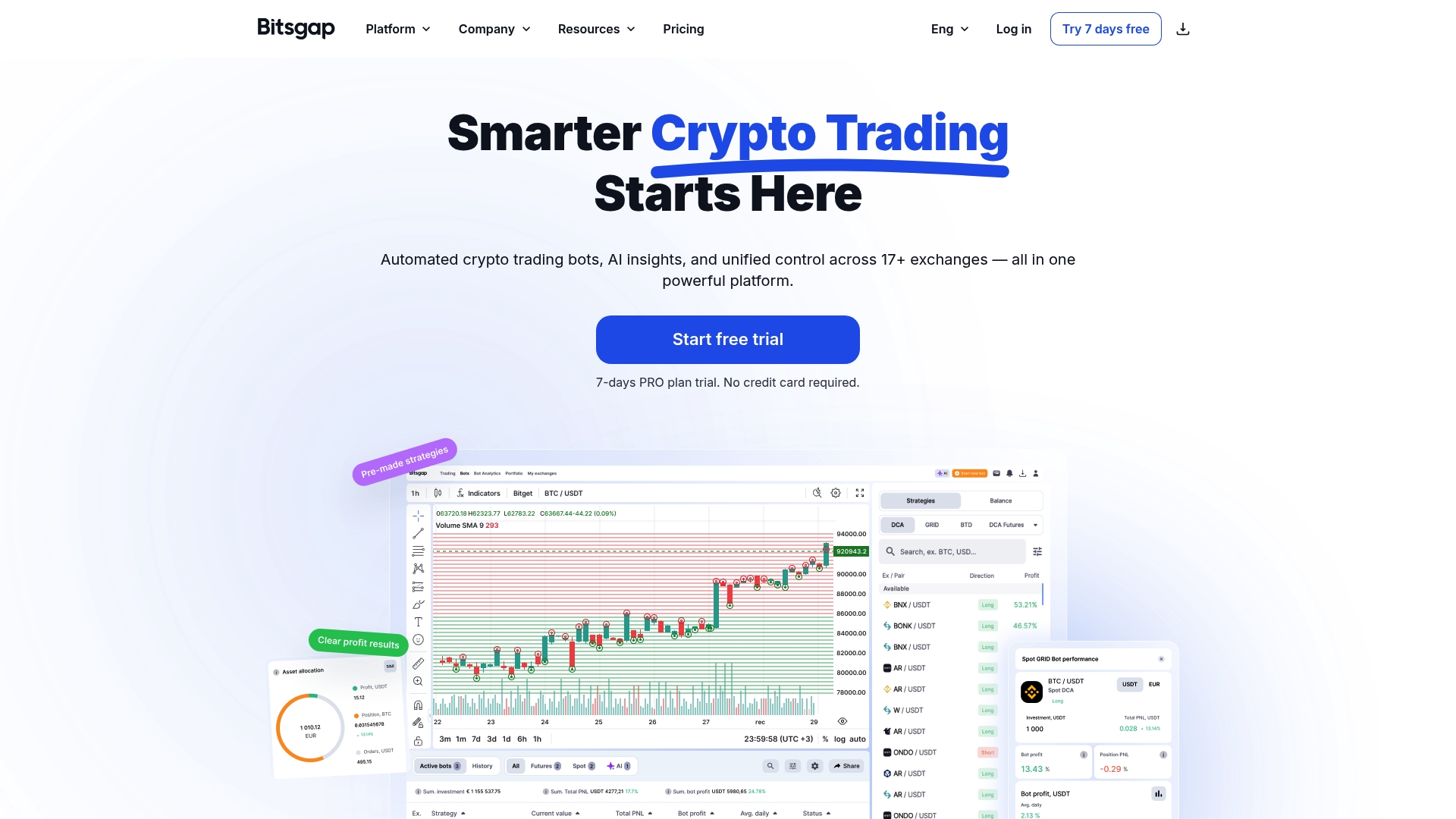
Bitsgap bundles automated trading bots and integration with 17+ exchanges into a single crypto trading platform that aims to simplify multi-exchange execution. It combines analytics, backtesting, and an AI Assistant to help traders turn strategies into automated workflows.
Core Features
Bitsgap provides a suite of tools for automated crypto trading including multiple bot strategies, smart order execution, and a technical analysis widget for live decision support. It also offers backtesting, portfolio management with ROI tracking, demo mode for practice, and AI driven insights to refine setups.
Pros
-
Supports numerous exchanges. The platform connects to over 17 exchanges so you can manage multi-platform trading from one dashboard.
-
Variety of trading bots. Users get access to automated strategies that work for different timeframes and risk profiles.
-
Advanced analysis tools. Backtesting and analytics let you validate strategies before putting real capital at risk.
-
Strong security measures. The service emphasizes protecting user funds and data through established security practices.
-
Positive user reception. Bitsgap receives favorable reviews and ratings from traders and reviewers on multiple platforms.
Cons
-
Steep initial complexity for beginners. The broad feature set and multi-exchange controls can overwhelm users who are brand new to automated trading.
-
Higher cost for advanced bots. Some advanced features and bot types require upper tier plans which increases monthly spend.
-
Busy interface. The dashboard can appear crowded and take time to learn, which slows early configuration and monitoring.
Who It’s For
Bitsgap fits traders who want to automate and monitor strategies across multiple exchanges without building custom integrations. It serves beginners, intermediate, and professional traders who value a single control point for bots, portfolio tracking, and testing.
Unique Value Proposition
Bitsgap stands out by merging multi-exchange connectivity with ready made automation and AI insights in one product. The combined toolkit of smart orders, backtesting, demo mode, and ROI tracking reduces the friction of moving from strategy idea to live bot.
Real World Use Case
A trader links accounts from several exchanges to Bitsgap then deploys different bots based on risk allocation and market outlook. They run backtests, use the AI Assistant to adjust parameters, and monitor portfolio ROI on a single screen to optimize performance.
Pricing
Bitsgap offers a free tier with limited features and paid plans priced per month. Paid tiers start at $23 per month for Basic, $55 per month for Advanced, and $119 per month for Pro with a seven day free trial available on paid plans.
Website: https://bitsgap.com
TradersPost
At a Glance
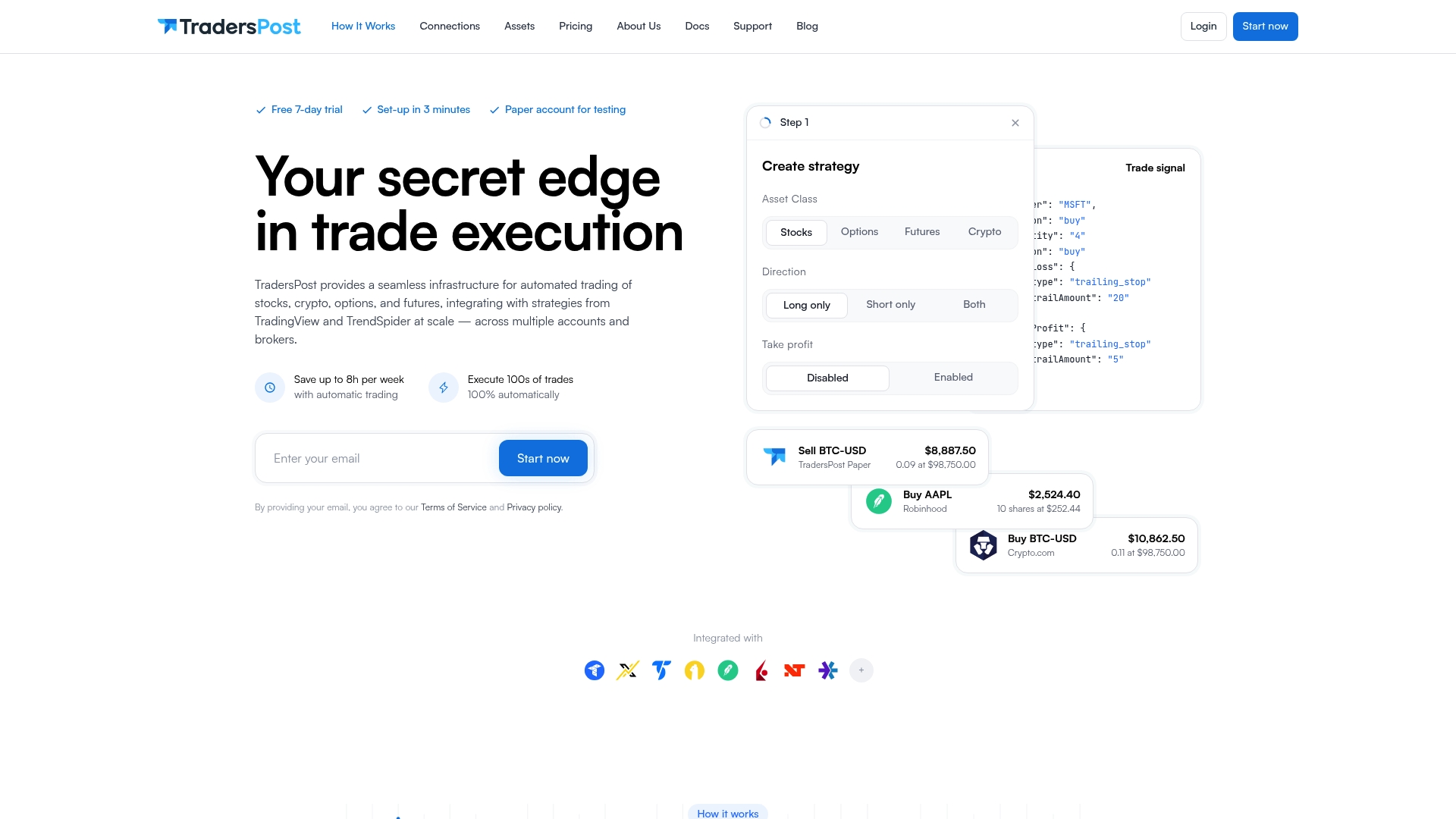
TradersPost is a platform for automated trading across stocks, crypto, options, and futures that connects directly to strategies from TradingView and TrendSpider. It focuses on executing strategies at scale across multiple accounts and brokers while offering a quick setup and a free trial.
Core Features
TradersPost supports automated trading of stocks, crypto, options, and futures and integrates strategy signals from TradingView and TrendSpider. The platform lets you connect multiple broker accounts and exchanges, send signals via webhooks, and perform backtesting with TradingView or TrendSpider.
Pros
-
Multi asset support: The platform supports stocks, crypto, options, and futures, allowing you to run the same strategy across different markets.
-
Strategy integrations: TradersPost connects directly with TradingView and TrendSpider strategies so you can deploy charts and alerts without rewriting logic.
-
Multi account execution: You can link multiple broker accounts and execute trades across accounts and brokers from a single interface, saving repetitive manual work.
-
Fast onboarding: TradersPost offers a free 7 day trial and advertises a setup that can be completed in about three minutes, getting you trading quickly.
-
Documentation and support: The product provides detailed support materials and documentation to help implement automation and troubleshoot broker integrations.
Cons
-
Requires trading knowledge: TradersPost expects users to understand trading strategy design and automation to use the platform effectively, which raises the learning threshold.
-
Dependency on connectivity: The platform relies on reliable internet service and broker integrations to operate, so outages or integration issues can halt execution.
-
Advanced features add cost: Higher tier plans are available and advanced capabilities may require a paid plan beyond the Starter tier, increasing ongoing expenses.
Who It’s For
TradersPost is aimed at traders and investors who want to turn TradingView or TrendSpider strategies into live automation across multiple accounts. It fits retail traders who manage more than one account, systematic traders running algorithmic strategies, and prop firm traders needing centralized execution.
Unique Value Proposition
TradersPost combines direct strategy integration with multi broker execution so you can deploy a single strategy across asset classes and accounts without rebuilding connectors. That combination of strategy compatibility and account scaling is the platform’s strongest selling point.
Real World Use Case
A trader links a TradingView strategy and connects two broker accounts to TradersPost. Signals from TradingView are sent as webhooks, TradersPost routes orders appropriately, and trades execute automatically across accounts, reducing manual order entry and maintaining consistent position sizing.
Pricing
TradersPost offers a free trial for 7 days and then starts at $41.65 per month for the Starter plan, with higher tiers labeled Basic, Pro, and Premium available for more advanced needs.
Website: https://www.traderspost.io
Trading Automation Tools Comparison
This table summarizes a comparative overview of five trading automation platforms, highlighting features, pros, cons, targeted audiences, and price ranges to help readers choose the most suitable solution.
| Feature | Tickerly | 3Commas | Cryptohopper | Bitsgap | TradersPost |
|---|---|---|---|---|---|
| Core Functionality | Automates TradingView strategies into trades across multiple asset classes with fast execution. | Provides crypto trading bots integrated with TradingView and backtesting tools. | Customizable crypto trading bots with marketplace strategies and backtesting features. | Multi-exchange crypto trading automation with AI insights and backtesting. | Executes TradingView and TrendSpider strategies across assets like stocks and crypto with broker integrations. |
| Target Audience | Traders using TradingView seeking low-latency execution across asset classes. | Crypto traders from beginners to professionals interested in automation and backtesting. | Both novice and professional crypto traders seeking customizable bots and marketplace signals. | Crypto traders from any skill level aiming for multi-exchange automation and performance monitoring. | Systematic traders and investors requiring consistent execution across multiple accounts and brokers. |
| Pros | Reliable execution; Unlimited strategies on higher plans; Easy TradingView integration. | Wide exchange support; AI-assisted bot automation; Backtesting on historical data. | Highly customizable; Extensive exchange support; Supports copy trading. | Integrates over 17 exchanges; Provides multiple bot strategies; Strong analytics tools. | Multi-asset class support; Quick setup with detailed documentation; Centralized execution for multiple accounts. |
| Cons | Limited to TradingView signals; Requires subscription for multiple strategies. | Complex pricing structure; Free plan has restricted features. | Advanced features behind higher-priced tiers; Requires commitment to master. | Steep learning curve; Advanced bots necessitate higher-tier pricing. | Requires prior trading knowledge; Relies on stable connectivity and broker APIs. |
| Pricing | $19–$39/month, includes 30-day free trial. | Free plan available; Full features between $40–$140/month. | Free plan for testing; Paid tiers up to $107.50/month for advanced functionality. | Free plan with testing features; Paid tiers $23-$119/month. | From $41.65/month after a 7-day free trial; Higher tiers for advanced needs. |
| Notable Use Cases | Crypto strategy automated across exchanges, reducing manual tasks and emotion-driven trades. | Automating TradingView alerts into signals for long-term bots; Backtesting for strategy refinement. | Designing and running bots to execute rebalancing and multi-exignal strategies across versatile setups. | Synchronizing multi-exchange accounts using AI-driven trade adjustment based on market data simulation tests. | Handling multiple broker accounts using TradingView-generated signals for consistent performance across accounts. |
This comparison should serve as a helpful guide for understanding the advantages and limitations of these trading automation platforms to decide which aligns best with individual trading requirements.
Discover Smarter Automation Beyond Wundertrading
If you are seeking to overcome the challenges of seamlessly turning TradingView strategies into fully automated trading bots without complex coding or unreliable execution, you are not alone. Many traders struggle with slow order execution, multi-exchange integration, and the difficulty of managing multiple strategies effectively. This article highlights top Wundertrading alternatives that address these pain points.
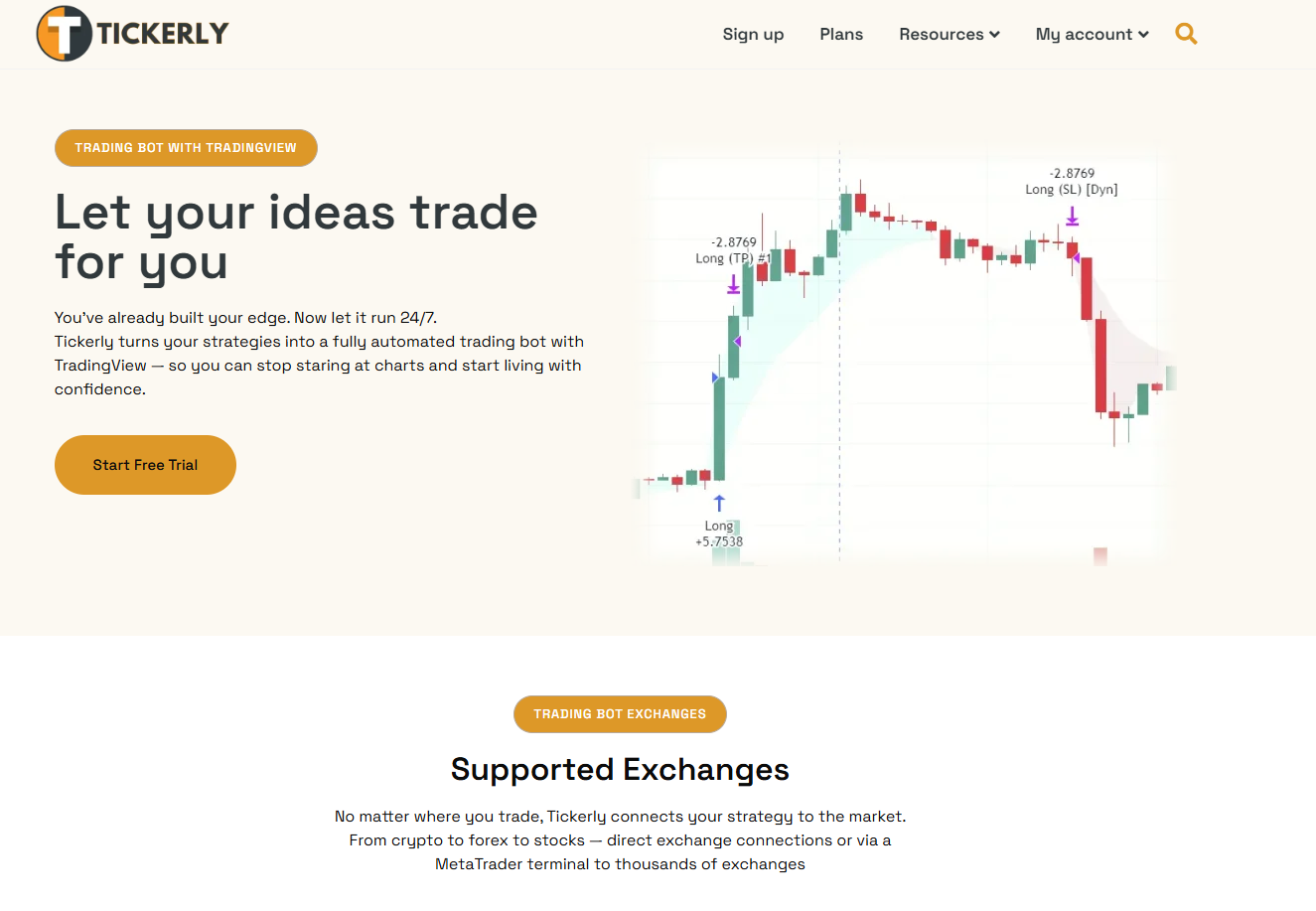
Take control of your trades today by exploring how Tickerly combines lightning-fast execution with simple setup to bring your TradingView alerts into live markets across various assets. Dive into expert insights and step-by-step tutorials in our Guides Archives – Tickerly to start automating smarter, faster, and more reliably. Visit https://ticklerly.net now and make your next move with confidence.
Frequently Asked Questions
What are the top alternatives to Wundertrading.com in 2026?
Tickerly, 3Commas, Cryptohopper, Bitsgap, and TradersPost are the leading alternatives to Wundertrading.com as of 2026. Evaluate each according to features, pricing, and user support to find the one that best fits your trading style.
How can I choose the best trading automation platform among the alternatives?
Determine what features are essential for your trading needs, such as backtesting capabilities or the variety of supported exchanges. Trial each platform with their free trials to assess performance before making a commitment.
Can I automate my existing strategies using these alternatives?
Yes, each alternative allows you to input existing trading strategies to automate them easily. Start by transferring your strategies into the chosen platform and utilize their setup tools to configure automation.
Are there any risks involved when using trading automation platforms?
Using automated trading platforms involves risks such as reliance on technology and market volatility. Continuously monitor your automated trades and adjust settings based on changing market conditions.
How do pricing tiers compare across the alternatives?
Pricing tiers vary by platform, generally ranging from free plans with limited features to more comprehensive paid plans. Review the features included in each tier to ensure you choose the best one for your needs and budget.