

You can connect TradingView to Bybit three ways: the TradingView broker panel for manual chart trading, Bybit’s native Webhook Signal Trading for official derivatives automation, or a self-hosted webhook bridge for full programmatic control. Manual traders should stick with the broker panel. Bybit’s webhook can cover a single derivatives strategy in One-way mode. Traders who need hedge mode, several strategies or more than one exchange need a bridge or a managed platform like Tickerly, which connects to Bybit futures without a server to run. Test everything in paper mode before risking capital.
TL;DR:
Connecting TradingView to Bybit via the broker panel is only suitable for manual trading, with no automation during absences from the chart.
Webhook Signal Trading offers limited automation support for One-way mode derivatives but does not support hedge mode, requiring adjustments for certain strategies.
Building a custom webhook bridge provides full control and multi-strategy handling but demands infrastructure maintenance and monitoring for latency issues.
Testing on Bybit’s testnet and verifying symbol mappings and parameters are essential before deploying live orders to avoid common failures.
Latency in webhook execution makes it best suited for swing and position trading rather than fast scalping strategies.
Table of Contents
Tradingview To Bybit: Comparing Your Three Integration Options
Each route trades convenience for control, and picking the wrong one wastes hours you could spend testing a strategy instead.
-
Broker panel: Best for manual, discretionary trading. You click, it executes, no code required. Covers spot and supported perpetual contracts, but nothing runs while you’re away from the chart.
-
Bybit Webhook Signal Trading: Bybit’s official webhook receiver for automating derivatives directly from TradingView alerts. It only supports One-way position mode, so hedge-mode strategies need adjustment first, and it’s scoped to specific contract types rather than every instrument on the exchange.
-
Webhook bridge / middleware: A self-hosted or third-party service that receives TradingView alerts and translates them into signed Bybit API orders. This gives you multi-strategy handling, custom risk logic, and cross-exchange flexibility, at the cost of maintaining infrastructure and watching for latency issues if you self-host. A managed service such as Tickerly takes that maintenance off your hands.
Scalpers and multi-strategy traders often outgrow Bybit’s own webhook receiver fast, since it runs in one-way mode only and covers specific contracts; swing traders running one or two strategies rarely need more.
How Do I Trade on Bybit Directly From TradingView?
The TradingView broker panel integration lets you place and manage Bybit orders without leaving the chart:
-
Open a chart in TradingView, go to the Trading Panel, and select Bybit from the broker list.
-
Authorize the connection through Bybit’s OAuth flow. This links your account, not your API keys directly.
-
Confirm which account you’re trading. TradingView will show Unified Trading Account (UTA) or Spot separately, and mixing these up is a common source of “why didn’t my order fill” confusion.
-
Place market or limit orders straight from the chart, then track open positions and pending orders in the same panel.
-
Cancel or modify orders from the panel without switching to Bybit’s own interface.
Supported instruments include spot pairs and USDT, USDC, and inverse perpetuals. One quirk worth knowing: connection status can occasionally show a 24-hour lag before refreshing after linking, so don’t panic if it briefly reads as disconnected. Add Bybit to your favorites list to skip the broker search every session, and note that some order types behave differently on TradingView’s mobile app than on desktop.
How Do I Set Up Bybit Webhook Signal Trading?
Bybit’s Webhook Signal Trading turns TradingView alerts into live derivatives orders without a middleman server. This is how it works:
-
In Bybit, go to Tools, then Webhook Signal Trading, and create a new webhook tied to a specific symbol.
-
Confirm your position mode is set to One-way. Hedge mode isn’t supported here, so switch it in Bybit’s position mode settings before you go further.
-
Copy Bybit’s generated message template and paste it into the TradingView alert’s message body, then set the alert’s webhook URL to the one Bybit provided. Webhook alerts require a paid TradingView tier, since TradingView gates webhook delivery behind Essential, Plus, or Premium plans.
-
Fill in the required fields: symbol, side, quantity or amount_type, orderType, price for limit orders, trigger_time, and a strategy_id to keep multiple alerts organized.
-
Set max_lag carefully. This parameter rejects signals that arrive too late relative to when TradingView fired them, which protects you from acting on a stale price during a fast move. Too tight a window and legitimate signals get dropped; too loose and you risk filling at a bad price.
Before going live, set your Bybit paper trading balance to match your intended account size, create the strategy alert, and run it through Bybit’s test function or TradingView’s paper mode. The most common pitfall isn’t the webhook itself. It’s a mismatched symbol name or a quantity field formatted as a string instead of a number, both of which silently fail. For alert message formatting help, TradingView’s alert variable syntax is worth reviewing before your first live test.
Should I Build My Own Webhook Bridge?
A self-hosted bridge sits between TradingView and Bybit, giving you control the native webhook doesn’t. The core flow: TradingView sends a POST /webhook request, your service validates the payload, signs it using Bybit’s V5 API authentication flow, and forwards the order. A GET /health endpoint lets monitoring tools confirm the service is alive.

A minimal production schema looks like this:
{
  "symbol": "BTCUSDT",
  "side": "buy",
  "qty": "0.01",
  "orderType": "market",
  "price": null,
  "mode": "paper",
  "alertId": "unique-id-123"
}
-
Require an
X-Webhook-Secretheader on every request, and reject anything without it. -
Scope your Bybit API key to trading only. Never grant withdrawal permissions to a key that lives on a webhook server.
-
Default to
DEFAULT_MODE=paperin production until you’ve verified real-money behavior separately. -
Set
ENABLE_DEDUP=truewith aDEDUP_TTL_SECONDSwindow so a duplicated TradingView alert doesn’t fire the same order twice.
Handle response codes deliberately: 200 for success, 400 for bad payloads, 401 or 403 for auth failures, 409 for duplicate alerts, and 502 when Bybit’s API itself is unreachable. A reference Flask implementation demonstrates schema validation, secret-based auth, and the paper/live gate together.
Pro Tip: Log every incoming payload before validation, not after. When something fails silently, the raw request is usually the only evidence you’ll have.
Testing and Safety Before You Go Live
Skipping this step is how traders lose money to a typo, not a bad strategy.
-
Run every strategy on Bybit Testnet first, and deliberately send malformed payloads to see how your system fails.
-
Double-check symbol mappings. TradingView and Bybit don’t always use identical ticker formats.
-
Restrict your API key’s permissions (never withdrawal) and route automated trades through a sub-account to cap exposure if something breaks. On a self-built bridge, also set a webhook secret. Tickerly alerts carry no credentials, just a private pointer that identifies your connection, and every Tickerly order comes from one IP, 217.160.238.76, that you can whitelist on the key.
-
Add monitoring and a manual stop. A self-hosted bridge needs a health check and alerts on repeated failures; on Tickerly, rejections show in the alert log and notifications. Either way, know how to stop in seconds: pause the TradingView alert to stop new orders, and send a close all alert to flatten a symbol.
-
Expect a gap between backtested and live results. Real fills carry slippage that a backtest never sees.
Latency reality check: Webhook-based execution typically introduces enough delay that it suits swing and position trading better than tight scalping, where a few hundred milliseconds can matter. Match your strategy’s timeframe to the execution method, not the other way around.
Why Is My Webhook Order Failing?
Most webhook failures trace back to a handful of repeat offenders.
-
Invalid symbol: TradingView’s ticker doesn’t match Bybit’s exact symbol string. Map them explicitly rather than assuming a 1:1 match.
-
Missing parameters: A dropped field like
orderTypeorqtytriggers a rejection. Validate your JSON template against Bybit’s documented schema before saving the alert. -
Position mode mismatch: Webhook Signal Trading requires One-way mode. Hedge mode accounts will see the order rejected outright.
-
Insufficient margin: Leverage and order size together exceed available margin. Check your margin settings whenever position size scales up.
-
Signal delay: If your alert arrives after the
max_lagwindow, Bybit rejects it as stale. Widen the window only if you’ve confirmed the wider tolerance is acceptable for your strategy.
The Managed-Platform Case
Building your own bridge teaches you a lot about Bybit’s API. It also means you’re the one debugging it at 2 a.m. Some managed platforms offer traders instant exchange connectors, execution controls, and paper and live modes without the maintenance burden of running a server yourself. For most traders, that operational relief outweighs the appeal of a fully custom build.
— Jay
Automate Tradingview To Bybit Without Running a Server
Running your own webhook bridge works, but it also makes you responsible for uptime, security patches, and every edge case Bybit’s API throws at you. Tickerly converts TradingView strategy alerts into fully functional trading bots on Bybit futures and other supported exchanges, placing orders within a fraction of a second, running several strategies at once, and letting you move from Bybit’s demo environment to your live account by switching connections, all without asking you to write or host a single line of server code.
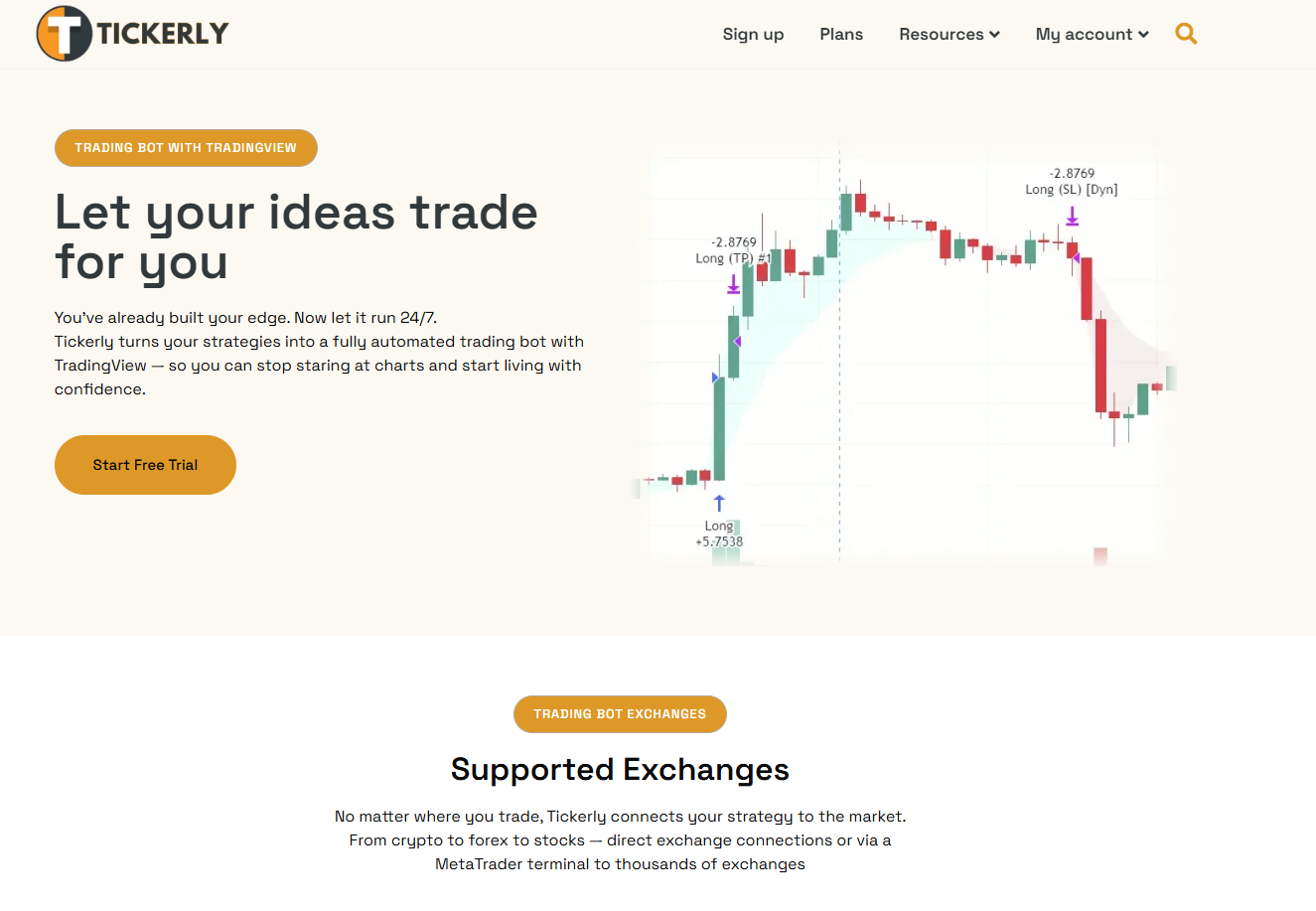
If you’re currently choosing between the official Bybit webhook and a DIY bridge, there’s a third path that skips the trade-off: no-code setup for Pine Script strategies. Unlike Bybit’s webhook, Tickerly supports hedge mode on Bybit, and a full trade alert can attach the take profit and stop loss to the entry. API keys never need withdrawal access, exits go out reduce-only, and every alert and Bybit’s response land in the alert log. Start with the guided walkthrough on how to automate trading on TradingView using Tickerly, and run your first strategy on Bybit’s demo account (any Tickerly connection with “test” in its name routes there) before committing real capital.
This article is general information, not a substitute for advice from a qualified financial advisor. Consult a qualified financial professional about your own circumstances before acting on anything here.
Sources
FAQ
How Do I Connect TradingView to Bybit?
Open TradingView’s Trading Panel, select Bybit as your broker, and authorize the connection through OAuth to place orders directly from the chart. For automated execution, use Bybit’s Webhook Signal Trading feature, a self-built webhook bridge, or a no-code service like Tickerly instead.
Why Is Bybit Not Allowed in the US?
Bybit restricts access for US residents due to regulatory licensing requirements that the exchange has not obtained in that jurisdiction. This is a compliance decision by Bybit, not a TradingView restriction.
Can I Use TradingView for Crypto?
Yes. TradingView supports crypto charting for hundreds of exchanges and lets you connect brokers like Bybit directly for order execution and alert-based automation.
Can I Trade Directly From TradingView?
Yes, through the broker panel for manual orders or through alert webhooks for automated execution. Manual trading requires no additional plan, but webhook automation requires a paid TradingView tier and, for full automation, a platform like Tickerly or a custom bridge.
Recommended
This article was produced with Al assistance and reviewed for accuracy. It is provided for general information only and is not professional or financial advice.