

Finding an automated trading bot platform that automates strategies without heavy coding or costly infrastructure is frustrating for traders. Many alternatives are locked to a single asset class, limit broker integrations, or hide live execution behind high subscription tiers. This list covers pricing, integration support, and execution options for top Capitalise.ai alternatives so you can match a platform to your trading requirements without trial and error.
Table of Contents
Tickerly
At a Glance
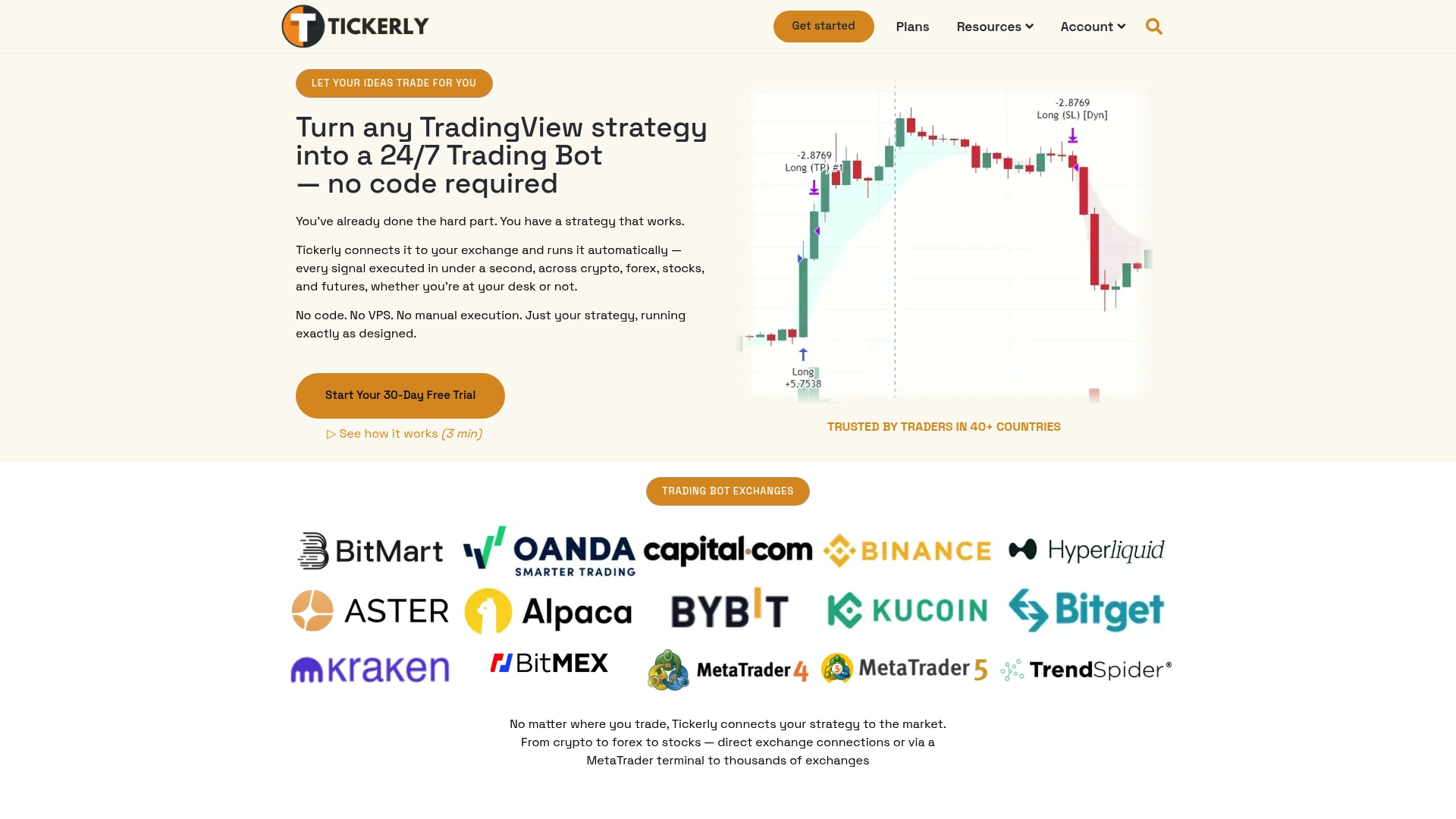
Tickerly reports traders in over 40 countries. The platform converts TradingView signals into automated bots without requiring coding or a user-run VPS. It emphasizes fast, real-time execution across crypto, forex, stocks, and futures.
Core Features
Tickerly converts TradingView strategies into autonomous trading bots that place orders via API connections. The platform runs dedicated servers near major exchanges to reduce latency and supports a broad set of venues including Binance, Kraken, Oanda, KuCoin, ByBit, and MetaTrader. It handles multiple asset classes and automates alerts so strategy alerts trigger live orders without manual intervention.
Key Differentiator
The defining feature is the platform’s ability to turn TradingView alerts into production-grade bots without coding while keeping execution latency low. That combination lets you keep TradingView for strategy development and Tickerly for order routing and execution. The vendor positions this flow as a way to move from idea to live trading with minimal technical overhead.
Pros
According to the company, users report significant improvements in efficiency and profitability when they automate execution. The execution model uses servers close to major exchanges, which reduces order latency and lowers slippage risk during volatile moments. Setup requires no scripting, so you can deploy multiple strategies quickly, and the subscription tiers let you scale the number of strategies and alerts to match trading volume.
Cons
- With no pre-built trading bot, you have to bring the trading logic in the form of a complete TradingView PineScript strategy.
Who It’s For
This product fits traders who build strategies in TradingView and want automated execution across several markets without writing code or hosting a VPS. Day traders and active investors in crypto, forex, stocks, and futures benefit most from faster fills and the ability to run several strategies concurrently. Developers who need custom order logic may find the no-code flow limiting.
Unique Value Proposition
Dedicated servers near major exchanges deliver the low-latency fills that support the real-time alert execution Tickerly advertises. That infrastructure reduces the time between a TradingView alert and an exchange order, which matters for scalpers and intraday strategies. The economic result is lower slippage on fast setups and less manual monitoring during high volatility.
Real World Use Case
A forex trader links a multilayer TradingView strategy to Tickerly and routes orders to multiple broker accounts. The bots submit orders instantly when conditions match, which reduces emotional overrides during volatility. The workflow frees the trader to refine strategy parameters instead of manually executing repeated trades.
Pricing
Plans start at $19/month for Level 2, with higher tiers unlocking additional strategies, more alerts, and advanced features. Pricing scales with the number of active strategies and alerts, so heavier automated traders pay more to run concurrent bots. The vendor lists flexible tiers to match trading volume and needs.
Website: https://tickerly.net
TradersPost
At a Glance
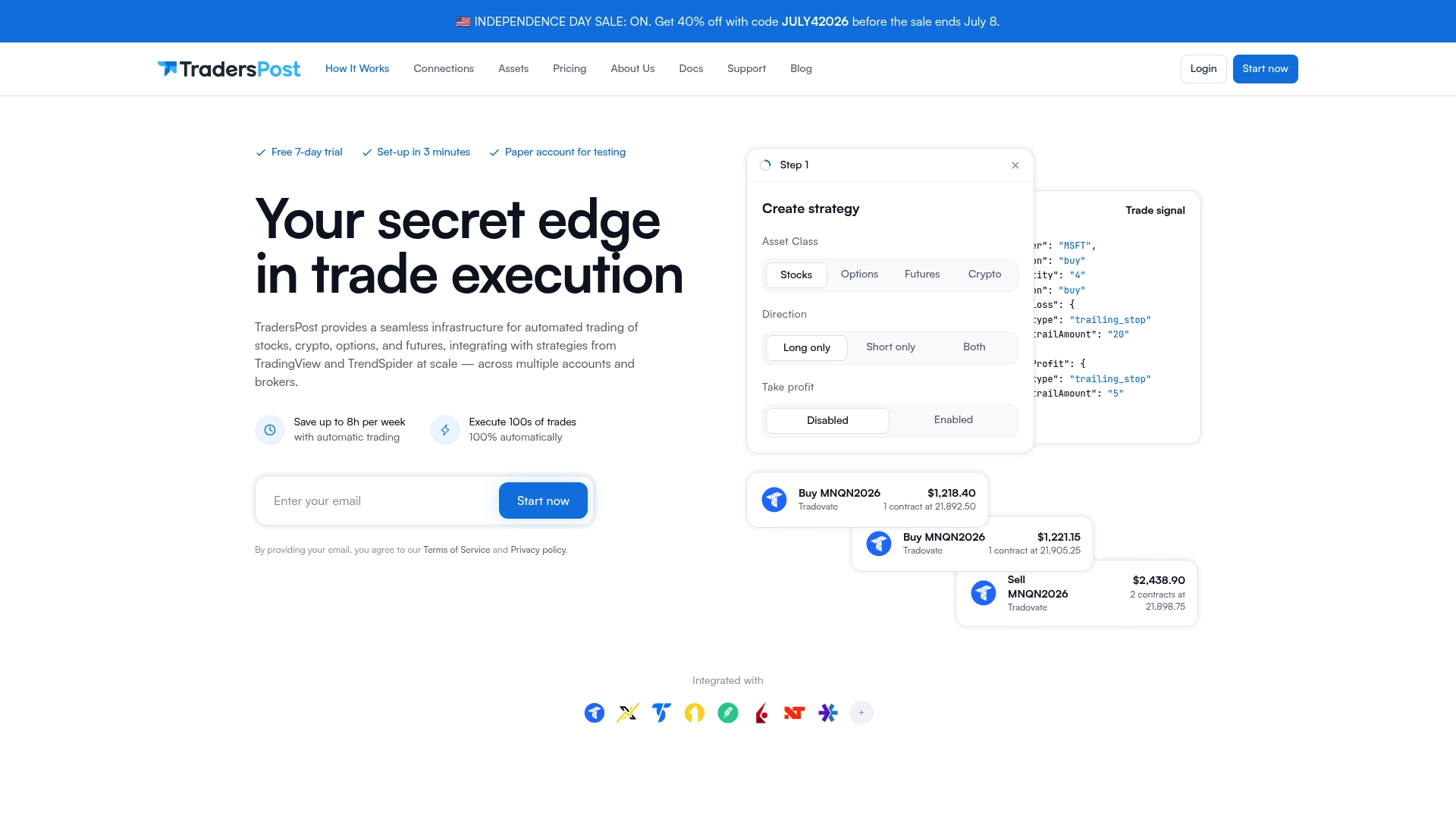
Automates orders for stocks, crypto, options, and futures using TradingView and TrendSpider alerts across multiple broker accounts. The service conducts no custody of funds and strictly routes orders and automation. It offers a 7-day free trial and tiered subscriptions for different numbers of accounts and assets.
Core Features
TradersPost lets you convert TradingView and TrendSpider signals into live or paper trades without writing code, and it supports both manual and automatic execution. The platform includes backtesting against charting software and accepts webhook signals from custom code or third-party tools. You can run multiple strategies and accounts at once, which helps with portfolio-level execution and prop trading workflows.
Key Differentiator
The platform centers on no-code automation for multi-asset, multi-account setups tied directly to TradingView and TrendSpider alerts. That focus makes it easier to deploy the same strategy across several broker accounts without rebuilding logic for each venue. The approach favors traders who need broad asset coverage and centralized order routing.
Pros
TradersPost excels at reducing manual work by letting you automate alerts from common charting tools. Its support for stocks, crypto, options, and futures lets you keep related strategies in one place. The product handles multiple accounts and strategies concurrently, which suits small prop operations and traders who scale across brokers. Community support and vendor support appear active, and subscription tiers let you match cost to activity level.
Cons
-
Limited broker coverage: The platform depends on supported brokers and exchanges, so some crypto or niche options venues may be unavailable.
-
Execution control: Reliance on third-party broker APIs reduces direct control over fills and advanced order routing.
-
Order issues reported: Some users report order rejection and slippage during fast market moves.
When It May Not Fit
If you trade on a broker that TradersPost does not support, you will lose out on automation benefits. Traders who require ultra-low latency or proprietary order types tied to a single exchange may see performance limitations. If you need custody, analytics, or trade reconciliation bundled with execution, this product does not provide custody services.
Notable Integrations
-
TradeStation
-
Alpaca
-
Tradier
-
Robinhood
-
Interactive Brokers
-
NinjaTrader
-
E*TRADE
-
Webull
-
Coinbase
-
Kraken
-
Bybit
-
Binance
Who It’s For
TradersPost fits retail and systematic traders who want a no-code path to automate alerts across multiple asset classes and broker accounts. It suits discretionary traders using TradingView or TrendSpider alerts and small prop teams that run identical strategies across accounts. If you prefer to avoid coding while keeping execution centralized, this matches that need.
Real World Use Case
A retail trader sends daily TradingView alerts to TradersPost and routes orders to two broker accounts. They run paper trading first to validate the rules, then enable live execution once confidence grows. The setup saves time and enforces consistent trade rules across accounts.
Pricing
Offers a 7-day free trial, then a Starter plan that begins at $41.65/month. Higher subscription tiers unlock support for more broker accounts and more asset volume. Exact tier details and limits are available on the vendor site.
Website: https://traderspost.io
SpeedBot
At a Glance
SEBI-aligned compliance and direct connections to Zerodha, TDAmeritrade, TradeStation, and Interactive Brokers define SpeedBot’s footprint across Indian and US markets. The platform targets traders who want to deploy strategies without writing code and to manage execution across brokers. That dual focus makes it practical for retail traders and brokerages that need regulatory features for India.
Core Features
SpeedBot gives a no code strategy builder plus pre built templates for options, futures, and equities, all tied into a backtesting engine that uses historic data. The platform runs live execution with real time risk management and automated order routing to multiple brokers. It also includes compliance features aligned with SEBI and options for enterprise deployments.
Key Differentiator
SpeedBot combines a no code, end to end algo workflow with explicit SEBI compliance and broad Indian and US broker integrations. That positioning narrows the audience to traders and firms who need both regulatory tooling for India and access to US broker APIs. The mix of compliance and multi broker reach is the product’s defining angle.
Pros
The interface is approachable for beginners while providing tools experienced traders expect, such as backtesting and automated order execution. Pricing targets retail traders with lower entry points and offers enterprise options for brokerages. Strong support for Indian broker integrations, plus SEBI aligned features, helps firms that must meet Indian regulatory requirements.
Cons
-
Buyer reviews highlight that incorrect setup can harm execution quality. Double check broker API keys and order templates before going live.
-
The platform limits advanced custom coding, which may frustrate developers who require low level control over strategy logic.
-
Costs vary with usage volume and number of active bots. Heavy intraday or multi account use can raise monthly bills.
When It May Not Fit
If you need full programmatic control and low level custom code for ultra complex strategies, SpeedBot’s no code focus may constrain you. If your operation depends on entirely offline execution or intermittent internet, the product requires consistent connectivity. Large scale high frequency shops should confirm broker API latency and stability before committing.
Notable Integrations
-
Zerodha
-
TDAmeritrade
-
TradeStation
-
Interactive Brokers
-
Think or Swim
-
MT5
Who It’s For
Traders and financial firms who want an easy to use, compliant platform that does not require software development. Retail traders automating options and stock strategies fit the platform well. Brokerages and asset managers that need multi account deployment and SEBI aligned controls also match SpeedBot’s profile.
Real World Use Case
A retail trader builds and backtests an options strategy with SpeedBot’s templates, then connects to Zerodha for live trades. The platform enforces stop loss levels and manages position sizing automatically. The trader monitors activity from desktop or mobile while the cloud instance manages execution.
Pricing
SpeedBot uses variable plans starting at INR 0 for entry level access and scales to monthly or annual subscriptions for professional and enterprise tiers. The vendor also offers pay as you go credits and fixed packages for higher volume users. Exact plan details and enterprise quotes are available from SpeedBot.
Website: https://speedbot.tech
QATS Platform
At a Glance
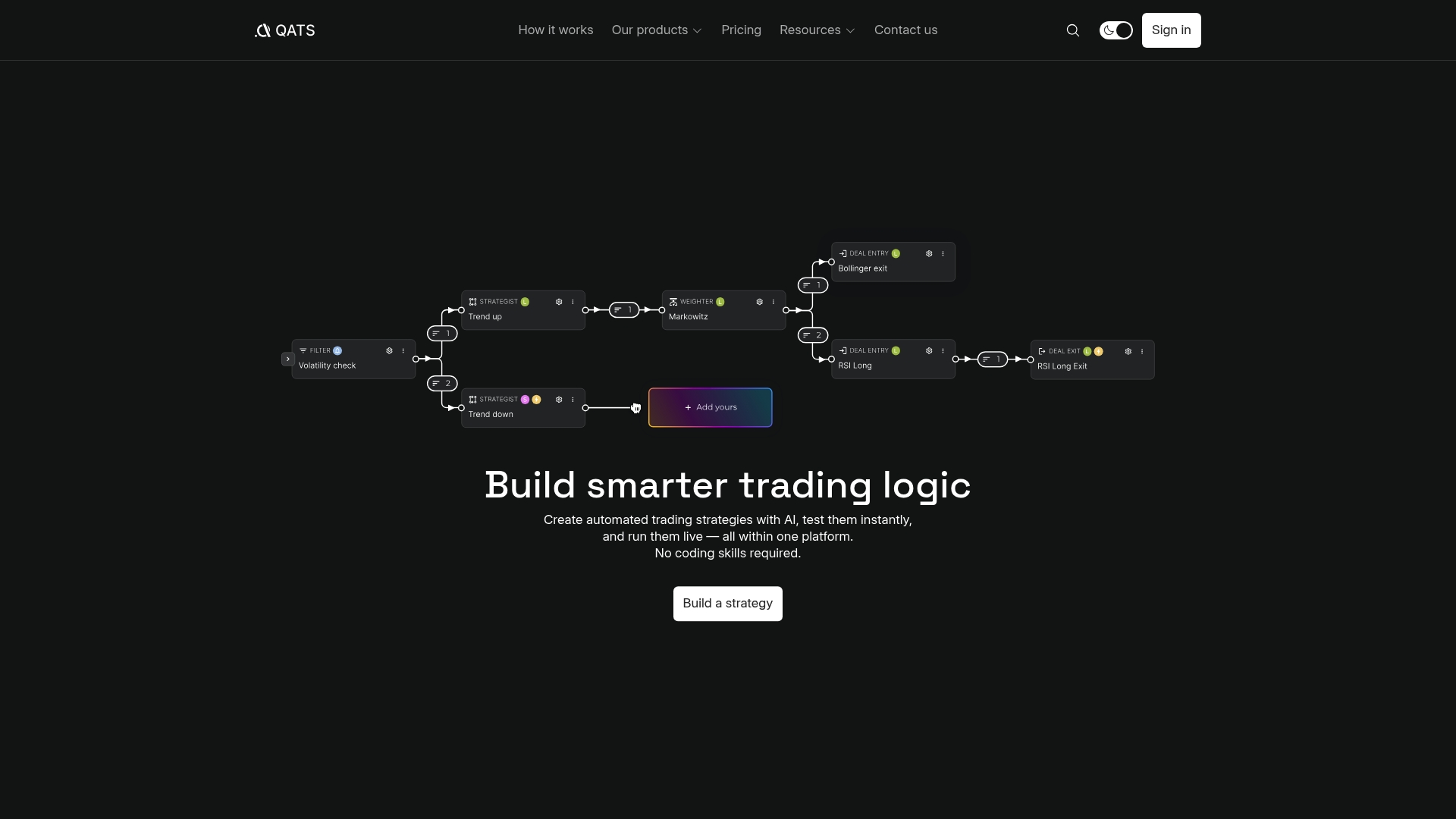
QATS turns plain trading goals and simple logic into executable strategies without coding. The platform supports instant strategy testing and live execution inside the same environment. Traders get real time alerts and market interpretation tools alongside execution options.
Core Features
QATS lets you describe objectives, risk limits, and logic, then uses AI to produce a working strategy you can test immediately. The platform combines strategy creation, instant backtesting, and live execution with multiple execution modes: manual alerts, automated signals, and analytical overlays. It also offers real time market analysis and an explainability layer for market conditions.
Key Differentiator
The standout feature is the AI assisted transformation of user objectives into complete, executable trading strategies. That workflow reduces the gap between a market idea and a live bot without requiring script writing. For traders who prefer describing intent over coding, that conversion is the central value proposition.
Pros
QATS removes the coding barrier, so retail traders can move from idea to test to execution with minimal technical setup. Multiple execution modes give you control over how much automation you let run and where you keep manual oversight. Real time market analysis and explainability help you interpret why the system signals trades, which aids risk decisions and post trade review. The AI assisted strategy creation speeds the early design phase by turning objectives and limits into a working rule set.
Cons
-
Limited independent user reviews. The platform’s effectiveness and reliability depend on individual user experience.
-
No explicit list of supported brokers or exchange integrations is provided, which raises questions about direct account connectivity.
-
The documentation does not detail advanced strategy customization, so complex rule sets may be hard to express.
-
Data privacy is described only in terms of cookies, with few public details about overall security.
When It May Not Fit
If you rely on very advanced, custom logic or nonstandard order types, QATS may lack the detailed customization you need. Traders who require confirmed direct connectivity to a specific broker should verify integration support before committing. If you prioritize raw execution speed across many exchanges, a platform that advertises low latency exchange execution may suit you better.
Who It’s For
Individual traders and retail investors who want automated strategies but do not know how to program will gain the most from QATS. Traders who value guided strategy design and clear market interpretation will find the interface helpful. Active traders who already use custom code heavy systems will likely find the feature set narrower than developer oriented toolkits.
Real World Use Case
A retail trader describes a breakout rule with stop loss and size limits, then asks QATS to generate the strategy. They run the instant test, review the explainability notes, and enable automated signals for small position sizes. The system sends alerts and can execute within the risk limits the trader set.
Pricing
The vendor lists pricing as not applicable and labels it informational only. No public tiered pricing or starting fee is shown on the site, so you will need to contact the vendor for commercial terms and any exchange fees.
Website: https://qats.us
10XT SwarmTrade
At a Glance
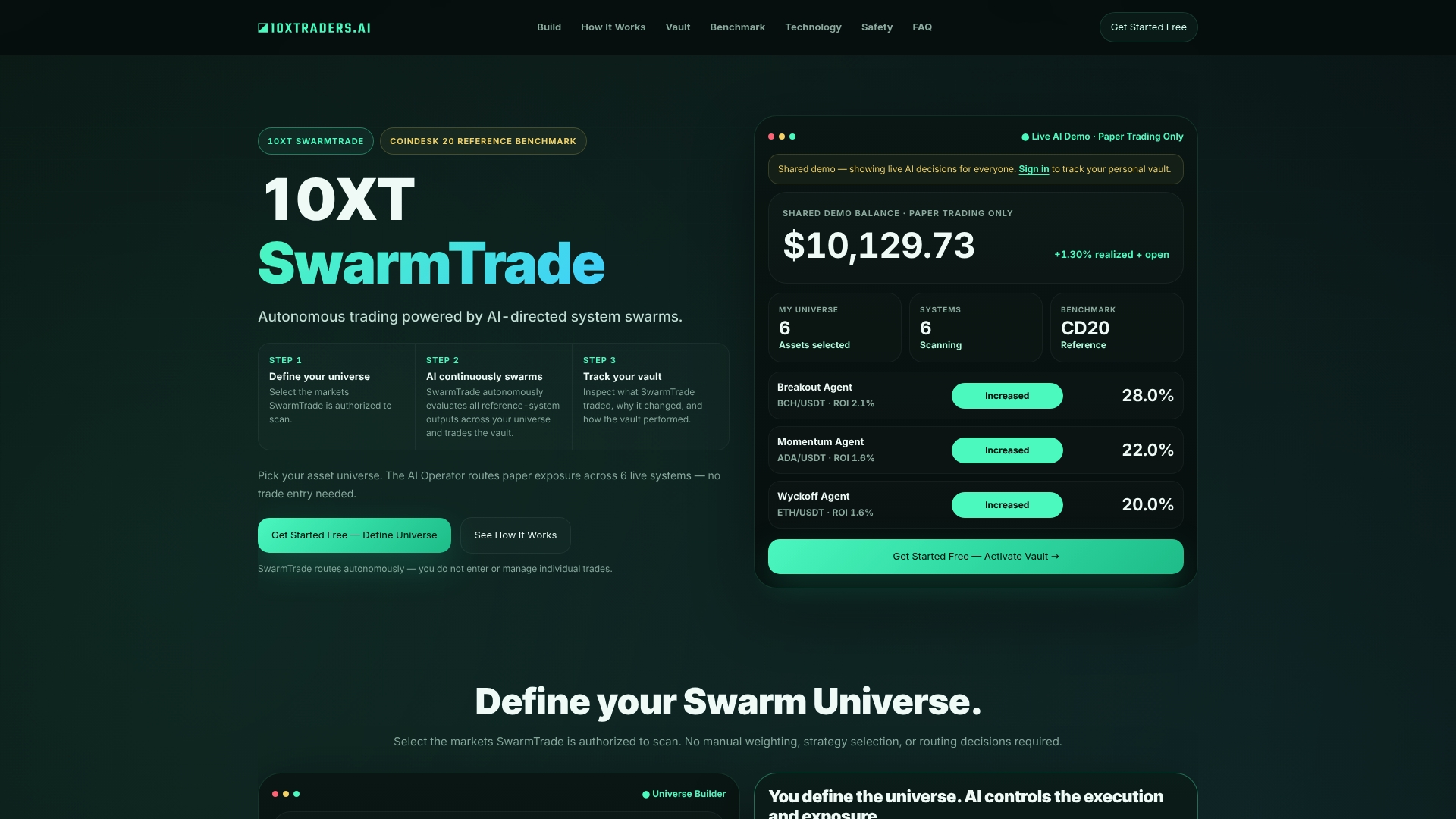
Operates exclusively in Shadow Mode while routing simulated trades across a user defined asset universe with detailed vault records. The vendor advertises autonomous AI directed system swarms that evaluate multiple market systems and route simulated trades. You get real time telemetry, decision explanations, and benchmark comparisons to passive indices.
Core Features
10XT SwarmTrade runs AI directed system swarms that evaluate multiple trading systems and route simulated trades inside a user defined universe. The platform provides a Shadow Mode simulation environment plus real time system telemetry showing ROI, signal strength, and system health. It also logs each decision in a vault ledger and compares swarm performance to passive and index benchmarks.
Key Differentiator
The standout is the combination of swarm based decision routing and transparent logging inside a simulated runtime. That claim is visible as audit friendly vault records and human readable decision explanations. Traders can test AI routing logic while keeping full control of universe boundaries and runtime authority.
Pros
Simulation lets you test multi system AI behavior without risking capital and without wiring live orders. The platform automates system evaluation and routes simulated trades based on live telemetry so you can see which systems the swarm favors. Comprehensive auditing with a vault ledger and clear decision explanations supports compliance reviews and post trade analysis. Benchmark comparisons help you judge whether the swarm outperforms passive holdings. Flexible universe definition supports up to 10 assets for focused experiments.
Cons
-
Operates only in Shadow Mode. There is no live order execution inside the product.
-
Heavy reliance on AI decision logic. That reliance may introduce errors or model bias that affect simulated outcomes.
-
Nontrivial complexity. The system has many moving parts that may overwhelm traders new to AI driven workflows.
-
Pricing tiers escalate for advanced plans and may feel costly for small teams.
When It May Not Fit
If you need live trade execution or low latency order routing this is the wrong tool. If your priority is a beginner friendly visual editor, the platform may feel too technical. If you want direct integration to exchanges for immediate deployment you will need a different solution.
Who It’s For
Quantitative traders and institutional investors who want to evaluate AI driven strategies without live capital at risk. Teams that prioritize audit trails, decision transparency, and benchmarked performance will find its controls useful. Traders planning a staged move from simulation to live execution can use SwarmTrade for the middle step.
Real World Use Case
A quantitative trading firm runs the platform to validate a multi system AI stack. The firm tracks the swarm decisions, inspects vault records for each routed signal, and compares results to passive benchmarks before approving live deployment. That workflow reduces surprises when they move capital to live accounts.
Pricing
Plans start at $15/month for the Starter plan. The Trader plan starts at $60/month and the Pro plan starts at $150/month. Vendor marketing lists these as the published monthly prices.
Website: https://10xtraders.ai
tradingscript.ai
At a Glance
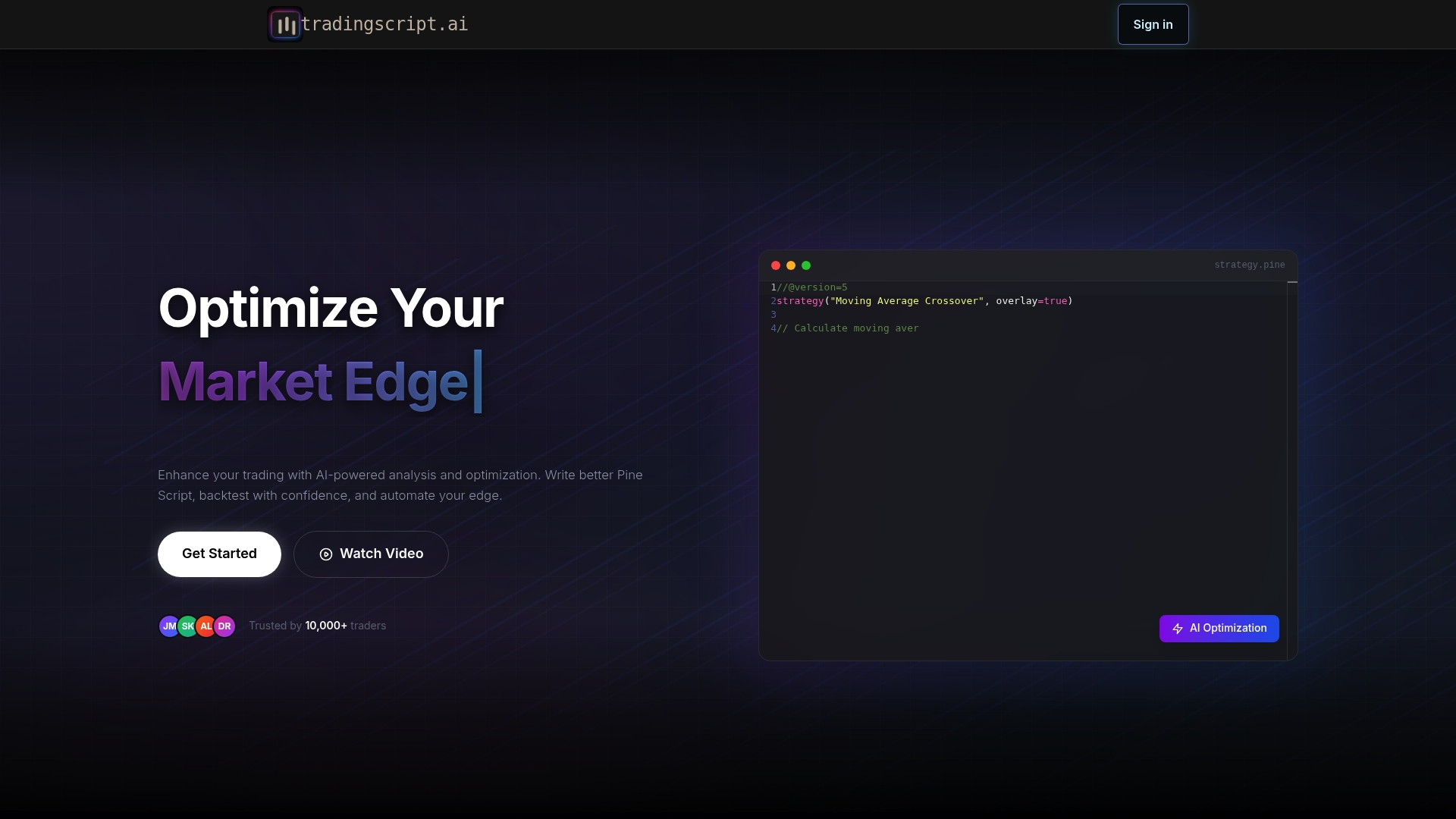
tradingscript.ai can generate Pine Script strategies from plain English descriptions. The platform pairs that capability with AI-driven parameter tuning and backtesting. It also includes a community prediction feature called polyBOT for spotting potential mispriced markets.
Core Features
The platform offers Pine Script analysis and automated code optimization while producing strategy code from natural language prompts. It runs backtests with visual charts and performance metrics and applies AI to tune parameters and refine logic. Secure storage uses AES-256 encryption with a zero-knowledge approach and it supports export to TradingView for deployment.
Key Differentiator
The standout element is the focus on Pine Script and TradingView workflows. AI translates plain English ideas into executable script and then iterates on logic and parameters. That workflow closes the loop between idea, test, and deployment for TradingView users.
Pros
The platform makes algorithmic strategy creation accessible to traders who do not program, by generating readable Pine Script from descriptions. Integrated backtesting and visual performance metrics let you validate ideas before risking capital. Secure encrypted storage and version control keep proprietary logic protected while export to TradingView simplifies deployment.
Cons
-
Limited language support: the tool focuses on Pine Script and does not support other trading languages or platforms.
-
Paid tiers required: advanced features and higher usage quotas sit behind subscription plans.
-
AI output varies: the quality of suggestions depends on the clarity and complexity of the input prompt.
When It May Not Fit
If you need multi-exchange execution outside TradingView, this platform will feel narrow. Teams that require JavaScript, Python, or FIX-based systems will need a different tool. Traders who want a turnkey broker connection and order execution beyond TradingView integrations should look elsewhere.
Who It’s For
This product fits traders and strategy developers focused on TradingView who want AI assistance converting ideas into Pine Script. It suits active traders who backtest frequently and developers who want faster iteration on strategy logic. Trading teams that store and version proprietary scripts will value the encrypted storage.
Real World Use Case
A professional trader converts a discretionary setup into a Pine Script strategy using plain English prompts. The trader runs parameter tuning to find a robust value set and reviews visual backtest charts. After adjustments, they export the script to TradingView for live alerts and execution.
Pricing
Most features sit behind tiered subscriptions with a free tier for basic access. Paid plans start at $9.99/month for top-up credits, $11.99/month for Pro, and $39.99/month for enterprise-level solutions.
Website: https://tradingscript.ai
Comparison of alternatives
The reviewed trading automation platforms distinguish themselves through unique features catering to specific user needs. From customizable bot creation to extensive broker integration, each option offers strengths worth considering.
Broker and Integration Support
TradersPost excels in multi-broker and asset class integration, supporting a variety of platforms, including TradeStation, Alpaca, and Interactive Brokers. This capability suits traders managing diverse portfolios across various accounts. Conversely, Tickerly focuses on TradingView alerts and API connections to exchanges like Binance and Kraken, making it better suited for streamlined TradingView-based workflows. However, traders relying on brokers outside TradersPost’s offerings might find Tickerly’s specialized infrastructure more beneficial.
Innovation in Strategy Design
Tradingscript.ai stands out with its capability to convert plain text into Pine Script for TradingView, coupled with algorithmic optimizations through AI. Meanwhile, QATS offers an intuitive AI-driven strategy creation from general objectives, making it ideal for traders less familiar with coding. Tickerly, while powerful in execution, does not emphasize script generation innovations but shines in live deployment.
Best fit
-
Traders focused on TradingView wishing to automate bot-driven strategies without coding will benefit from Tickerly.
-
Users managing complex portfolios across multiple brokers and asset classes should consider TradersPost.
-
Teams evaluating algorithms through non-live simulations focusing on AI swarm logic would find 10XT SwarmTrade advantageous.
Our pick
Tickerly offers a unique combination of dedicated near-exchange server infrastructure and TradingView integration for automated trading. This setup minimizes latency and slippage, making it suitable for real-time strategies. However, traders requiring extensive broker coverage beyond API connections might consider TradersPost as an alternative.
Choosing the best automated trading software depends on the features and infrastructure that align with your trading goals and approaches.
| Product | Core Functionality | Key Differentiator | Best For | Pricing | Limitation |
|---|---|---|---|---|---|
| Tickerly | Converts TradingView strategies into automated bots | Low-latency execution with no coding required | Active traders in multiple markets | Starting at $19/month | Bring your own strategy required |
| TradersPost | Automates signals into trades across asset classes | Broad broker integration with centralized routing | Multi-account trading setups | Starting at $41.65/month | Limited broker coverage for certain venues |
| SpeedBot | No-code strategy builder with compliance features | SEBI-aligned compliance for Indian markets | Retail and institutional traders in India | INR 0 starting free | Limited advanced customization for developers |
| QATS Platform | AI transformation of goals into strategies | Simplifies strategy creation via natural language | Retail traders seeking AI-guided workflows | Price not published | Limited integration and customization details |
| 10XT SwarmTrade | Runs AI-driven simulations with performance metrics | Swarm-based simulation with audit-friendly records | Quantitative traders testing AI logic | Starting at $15/month | Operates only in simulation mode |
| tradingscript.ai | Converts plain text to Pine Script for TradingView | Focused on Pine Script and AI-driven optimization | Developers working with TradingView strategies | Starting at $9.99/month | Limited support for non-Pine Script systems |
Which capitalise.ai alternative fits active traders aiming for faster execution?
Manual execution can limit your trading potential. Tickerly automates your TradingView strategies into live trading bots without coding. It connects directly to multiple exchanges, enhancing execution speed and minimizing slippage. This efficiency helps day traders and active investors in crypto, forex, and stocks seize fleeting market opportunities and run multiple strategies at once.

See how Tickerly improves your trading efficiency and profitability with real-time alert execution. Visit Guides Archives – Tickerly to learn setup tips or go straight to Tickerly and link your TradingView strategies to automated bots today.
FAQ
What features make Tickerly suitable for automated trading?
Tickerly excels in converting TradingView strategies into automated trading bots without any coding required. The platform runs dedicated servers near major exchanges to minimize latency, making it ideal for executing trades quickly and effectively across various asset classes.
How does Tickerly compare to TradersPost for automated trading?
TradersPost specializes in automating orders for stocks, crypto, options, and futures using TradingView and TrendSpider alerts. Tickerly, on the other hand, focuses on providing low-latency execution for traders who want quick fills and efficient order routing without manual intervention.
Can I automate multiple trading strategies with Tickerly?
Yes, you can automate multiple trading strategies with Tickerly. The platform allows you to scale the number of active strategies and alerts according to your trading volume, fitting well for both retail and active investors looking to optimize their trading processes.
What unique value does Tickerly offer compared to other platforms?
Tickerly’s unique value lies in its ability to provide low-latency fills by utilizing servers close to major exchanges. This minimizes the time between receiving a TradingView alert and executing an exchange order, which is crucial for traders participating in fast-paced markets.
Is Tickerly a good fit for beginner traders?
Tickerly is primarily designed for traders who already build strategies in TradingView. Beginners looking for a more guided approach may find it slightly challenging without coding experience, but its no-code solution significantly eases the process of automating trades.