

Finding a trading bot automation tool that supports real-time execution and multi-asset coverage without complex setup remains difficult for traders and investors. Many platforms require VPS hosting, restrict strategy flexibility, or demand higher subscription tiers for core automation features. This comparison details pricing, exchange support, and automation features across three leading Gunbot.com alternatives so traders and investors can select the right fit for live trading.
Table of Contents
Tickerly Trading Bot Service
At a Glance
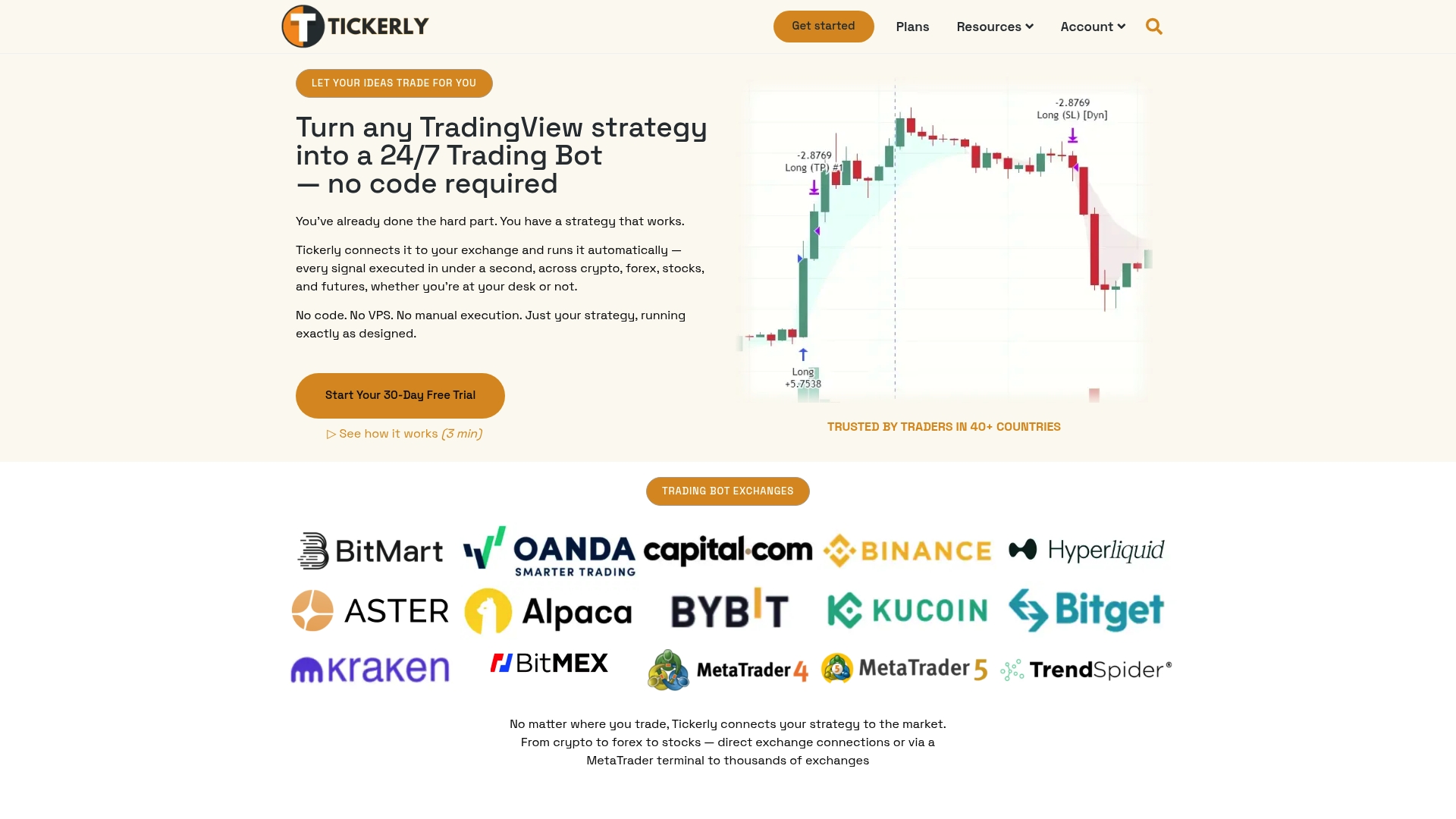
Starts at $19/month with a 30-day free trial. The platform automates TradingView alerts into live orders across crypto, forex, stocks, and futures without a VPS. It uses dedicated servers for low-latency order execution and supports running multiple strategies on the same asset. The product promotes real-time execution to capture fleeting market moves.
Core Features
Tickerly converts TradingView strategies into automated trading bots that send orders directly to exchanges via API. It supports major venues including Binance, Kraken, and MetaTrader platforms, and uses dedicated servers to reduce execution latency. The service lets you run several strategies concurrently against the same asset and removes the need for third-party VPS hosting.
Key Differentiator
Tickerly pairs no-code conversion of TradingView alerts with low-latency execution on dedicated infrastructure. That combination targets traders who need fast fills while keeping strategy management inside TradingView. The approach reduces the manual steps between signal and order placement.
Pros
Integration requires no programming, which speeds deployment for traders who write signals in TradingView. Execution runs on dedicated servers, improving order speed compared with manual placement. The platform lists wide exchange support, unlimited strategies on higher tiers, and, the vendor reports use in over 40 countries.
Cons
- Pricing varies with plan, which may be costly for traders managing many strategies or alerts
Who It’s For
Traders and investors who want to automate complete TradingView strategies without writing code. Day traders and active investors across crypto, forex, and stocks who rely on timely execution will benefit. People who do not want to maintain a VPS or custom middleware will find setup simpler.
Unique Value Proposition
Dedicated server execution that forwards TradingView alerts to exchanges without a VPS is the concrete advantage here. That design reduces latency between signal generation and order placement, which helps capture short-lived opportunities. According to the company, users report significant improvements in efficiency and profitability when they run multiple strategies simultaneously.
Real World Use Case
A forex trader links a TradingView strategy to MetaTrader through Tickerly. The trader configures three-position entries and leaves the bot running 24/7. Faster execution than manual entry reduces missed fills and removes emotional decision making from trade management.
Pricing
Plans start at $19/month for Level 2 and include a 30-day free trial. Higher tiers expand alert quotas and offer unlimited strategies and more simultaneous alerts. The vendor lists tiered pricing keyed to alerts and strategy limits, so costs rise with active automation scale.
Website: https://tickerly.net
3Commas
At a Glance
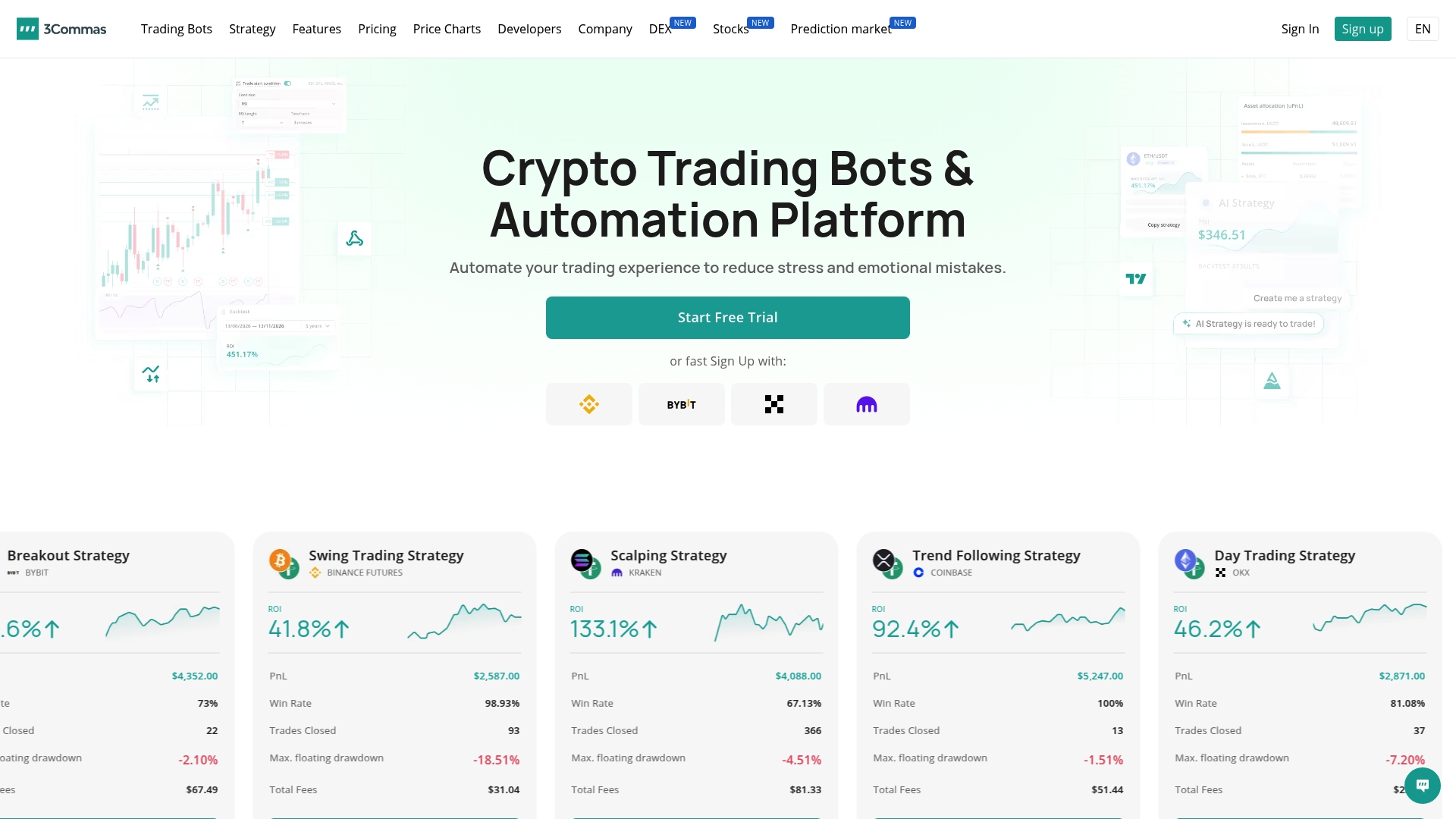
QuantPilot brings AI-powered strategy development into 3Commas’ multi exchange trading suite. The platform supports several bot types, including DCA and Grid, alongside manual tools for trade control. Founded in 2017, it pairs automation with an active community and educational resources to help traders adopt tested tactics.
Core Features
3Commas hosts a mix of automated and manual trading tools that cover common crypto workflows. The system includes DCA, Grid, Signal, and Arbitrage bots, plus backtesting that accepts multiple indicators for strategy refinement. Manual trading features such as Smart Trade, trailing take profit, and stop loss let you manage open positions without leaving the dashboard.
Key Differentiator
The platform combines multi exchange account management with an AI strategy layer. QuantPilot lets you iterate strategies using suggested parameter sets while keeping executions across connected exchanges centralized. That pairing appeals to traders who want both automated execution and machine-assisted strategy tuning.
Pros
3Commas supports many major exchanges, so you can run bots across Binance, Kraken, Coinbase, and more from one interface. The backtesting and paper trading environments let you test ideas on historical data without risking capital. Security controls restrict withdrawal access to the account owner, and an active community plus learning materials helps users shorten the learning curve.
Cons
-
The platform can feel complex for users new to algorithmic trading. Learning advanced features requires time and experimentation.
-
You have less granular control over order execution than pure manual trading. That may matter during sudden, high volatility events.
-
Full functionality requires higher tier plans, which raises the cost for traders who run many bots or need advanced tools.
When It May Not Fit
If you want direct manual execution for every tick, this platform may not match that workflow. Traders who cannot maintain a steady internet connection or who lack basic trading knowledge will face a steeper onboarding process. Small-scale traders on strict budgets may find the higher tiers exceed their needs.
Notable Integrations
3Commas connects to major crypto exchanges including Binance, Kraken, Coinbase, OKX, KuCoin, Bitfinex, Bitstamp, and Bittrex. Those integrations let you consolidate balances and execute bots across multiple venues from a single control panel. The exchange list covers both retail and more advanced venues commonly used by active traders.
Who It’s For
This product fits crypto traders who want to automate strategies across multiple exchanges while retaining manual override tools. It suits beginners who prefer guided strategies and paper trading, and professional traders who need portfolio management and backtesting. People focused solely on manual order-by-order execution may prefer a different tool.
Real World Use Case
A retail trader linked Binance and Kraken accounts, deployed multiple DCA and Grid bots, and used backtesting to tune entry parameters. During volatile sessions the trader used Smart Trade to adjust stops and deploy trailing profit targets. The combination reduced reaction time and let the trader run multiple strategies concurrently.
Pricing
3Commas uses paid subscription plans labeled Free, Pro, and Advanced. Each tier limits the number of bots and available features, and higher tiers unlock advanced tools and more simultaneous strategies. Price details and exact feature limits are listed on the vendor site.
Website: https://3commas.io
Cryptohopper
At a Glance
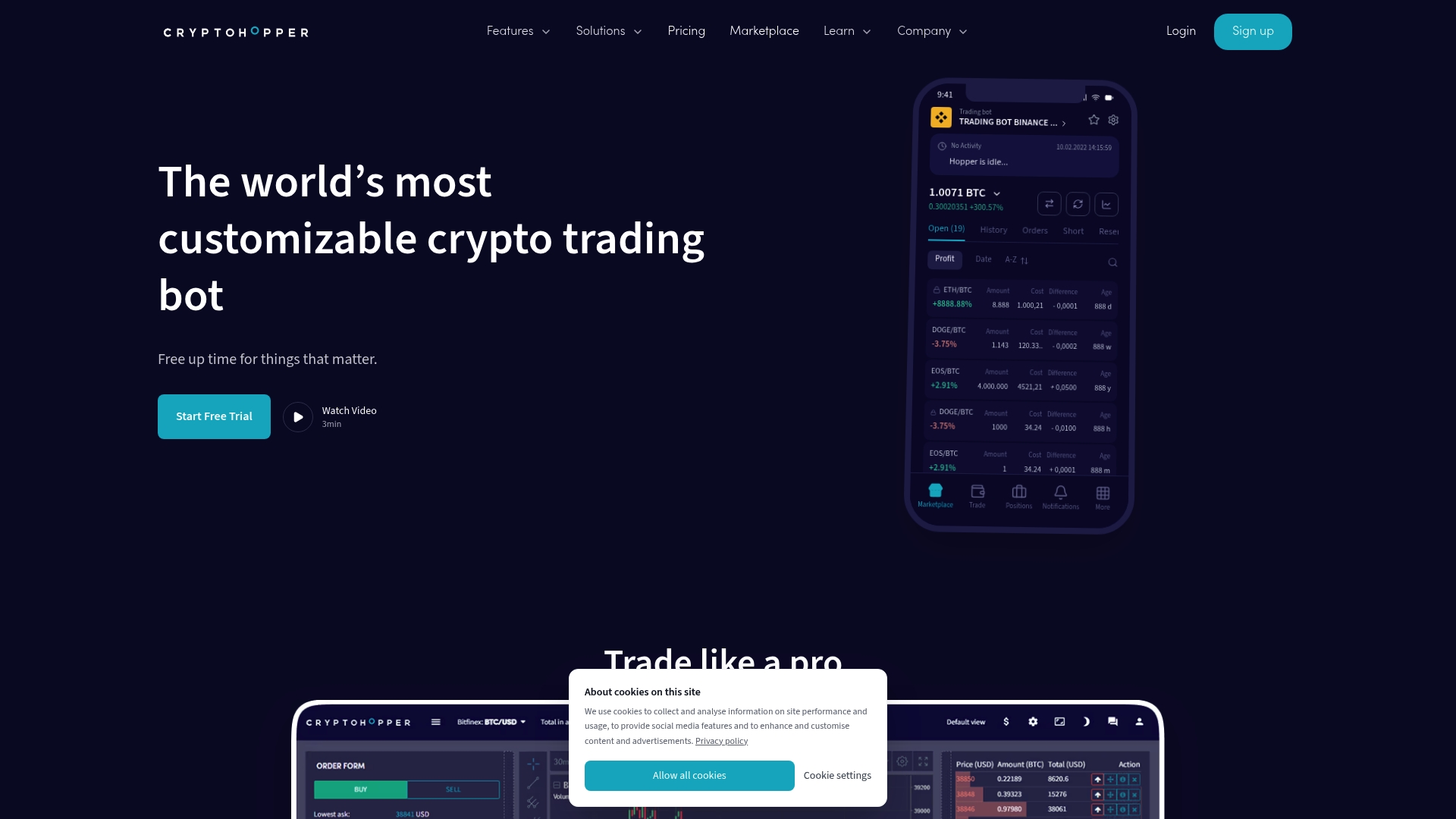
The Strategy Designer offers more than 130 indicators and candle patterns. AI market recognition can switch strategies automatically when conditions change. Subscription tiers span beginner to advanced traders and include backtesting and paper trading.
Core Features
Cryptohopper connects to exchanges via OAuth2 or API keys without withdrawal permissions, keeping funds on your exchange account. The platform includes a Strategy Designer with 130-plus indicators, trailing stop-loss and stop-buy functionality, and Dollar Cost Averaging to manage entries. It also provides backtesting, paper trading, conditional triggers, copy trading, and a marketplace for strategies and signals.
Key Differentiator
No coding is required to build or deploy strategies, and the platform pairs that ease of use with AI market recognition that can switch strategies automatically. Exchange connections are deliberately read-only, so Cryptohopper never holds withdrawal rights. That mix targets traders who want automated execution without running code or exposing funds off-exchange.
Pros
The interface keeps setup accessible so you can create automated bots without writing scripts. Multi-exchange support lets you manage Binance, Coinbase, and other accounts from one unified terminal, which simplifies cross-exchange workflows. Built-in backtesting and paper trading let you validate strategies before risking capital, and the marketplace offers pre-made strategies and signals when you prefer copy trading.
Cons
-
Ease of use improves over time, but advanced features have a learning curve for newcomers.
-
Profitability depends on strategy quality. There are no guaranteed profits and results vary by strategy.
-
Higher-tier plans can be costly for casual traders who want limited automation.
When It May Not Fit
If you expect guaranteed returns from automation, this product is not a match. Casual traders on a tight budget may find the higher plans too expensive. Traders who want deeply custom programmatic bots with full code control may prefer a platform that exposes scripting rather than a visual designer.
Notable Integrations
Cryptohopper connects to major crypto exchanges including Binance, Bybit, Kraken, Coinbase, Bitvavo, OK, KuCoin, and Crypto.com. The unified trading terminal displays charts and order books across those linked accounts. This setup supports multi-exchange portfolio management without moving funds off exchange.
Who It’s For
Traders across skill levels who want automated crypto trading without coding will benefit most. Active traders who run multiple exchange accounts and value backtesting and paper trading will get the most from the platform. Traders who prefer copy trading from third-party analysts will find the marketplace useful.
Real World Use Case
A trader links Binance and Coinbase and selects a marketplace strategy to start. They backtest that strategy on historical data and run it in paper mode to verify behavior. After confirming performance, the trader enables live automation and manages both exchange accounts from the same dashboard.
Pricing
Plans start at $24.16/month for the Explorer plan and go up to $107.50/month for the Hero plan when billed annually. Tiers add features such as more active positions, additional signals, and advanced tools. Specific plan details appear on the vendor pricing page.
Website: https://cryptohopper.com
Comparison of alternatives
Traders comparing automation platforms should weigh setup efficiency against strategy scope and tiered pricing. Each option offers distinct benefits oriented toward various trading needs and expertise levels.
Setup Efficiency and Strategy Automation
Tickerly.net simplifies TradingView strategy automation by eliminating programming requirements and VPS dependencies. This rapid integration benefits active traders relying on fast execution via TradingView alerts. Paired with dedicated servers, Tickerly.net ensures signals are reliably converted into orders with minimized latency, ideal for time-sensitive strategies. Comparatively, Cryptohopper leverages AI to switch strategies dynamically based on market conditions and offers a marketplace for pre-designed bots. This flexibility suits traders managing diverse strategies and seeking prebuilt solutions.
Exchange Breadth and Manual Controls
3Commas supports a broader range of exchanges than most competitors, including platforms like Kraken and Coinbase, accessible from unified account management. It complements automated trading with manual tools, such as trailing stops and arbitrage bots, enabling oversight for active portfolios. While Tickerly.net focuses narrowly on TradingView alert integration, its supported venues remain competitive, serving crypto, forex, and stocks alike. Advanced configuration capabilities make 3Commas more suited for users operating varied asset types simultaneously.
Best fit
-
TradingView-reliant users avoiding VPS setup benefit from Tickerly.net.
-
Markets-focused users seeking AI-driven strategy switching benefit from Cryptohopper.
-
Diversified exchange traders prioritizing backtesting and manual controls benefit from 3Commas.
Our pick
For traders seeking simplified automation of TradingView strategies without custom middleware, Tickerly.net combines ease of use with dedicated server performance. While high-volume strategy users may find tiered pricing limiting, its low-latency execution delivers superior outcomes for fast-moving market scenarios.
The following table provides a detailed comparison of the trading bot services, catered towards individuals and entities seeking efficient solutions for automating their trading strategies.
| Platform | Core Feature | Key Differentiator | Pricing | Notable Limitation |
|---|---|---|---|---|
| Tickerly | Automated TradingView strategies | No VPS needed, low-latency dedicated server execution | Starts at $19/month | Pricing scales with additional alerts and strategies |
| 3Commas | Multi-strategy AI-enabled bots | Combines centralized multi-exchange management | Price not published | May be complex for algorithmic trading newcomers and costly for advanced features |
| Cryptohopper | Visual strategy designer, no code | Automatic strategy switching based on market changes | Starts at $24.16 | Advanced features require time to learn and higher costs may deter casual users |
How Can You Improve Speed and Accuracy Beyond Gunbot.com Alternatives?
Many traders using gunbot.com alternatives face challenges with execution speed, latency, and managing multiple strategies across exchanges. Tickerly meets these needs by automating your TradingView strategies into ready-to-run trading bots. It removes the need for VPS hosting while connecting directly to major exchange APIs to speed order placement and reduce slippage.
-
Automate multiple strategies simultaneously on the same asset
-
Benefit from real-time alerts and precise execution
-
Focus on crypto, forex, and stock day trading without coding
Explore how Tickerly enhances your trading with fast, reliable automation at Guides Archives – Tickerly and learn more at Tickerly. Start using Tickerly now to improve trade execution and capture fleeting market opportunities efficiently.
FAQ
What pricing tiers does Tickerly offer for trading bot automation?
Tickerly starts at $19/month with a 30-day free trial. This tier gives you access to the platform’s automation features, including real-time execution of TradingView alerts.
How does Tickerly compare with 3Commas in terms of trading strategy management?
3Commas excels in providing a combination of automated and manual trading tools, which can appeal to traders looking for more control. Tickerly, on the other hand, specializes in automating TradingView strategies without the need for programming, making it a better fit for users who prefer a no-code solution.
Does Tickerly support trading on major exchanges?
Yes, Tickerly supports trading on major exchanges, including Binance and Kraken, by connecting via API for seamless integration. This broad exchange support enhances its versatility for traders active in different markets.
Can I run multiple strategies concurrently with Tickerly?
Yes, Tickerly allows you to run multiple strategies simultaneously against the same asset. This feature is particularly beneficial for traders who want to capitalize on diverse market conditions without any extra management hassle.
What kind of traders would benefit most from Tickerly’s features?
Tickerly is ideal for traders and investors looking to automate their TradingView strategies without writing code. Day traders focusing on fast execution will find Tickerly especially advantageous as it helps capture fleeting market opportunities.