

TL;DR:
- Upgrading your TradingView plan is justified when alert limits, indicator stacks, or automation needs become bottlenecks. Paying plans increase chart and alert capacity, support non-expiring and webhook alerts, and provide deeper historical data suitable for advanced strategies. Most traders should upgrade only after hitting specific limits or workflow friction to maximize value and avoid unnecessary costs.
Upgrade your TradingView plan if you are hitting alert limits, stacking indicators, or running automated strategies. Those are the three concrete signals that a paid tier will pay for itself. The free Basic plan is genuinely capable for casual charting, but the moment you need more than one chart per tab, more than a handful of indicators, or alerts that fire reliably for a bot, the Free tier becomes a workflow bottleneck rather than a cost saving.
Here is what changes when you move up:
-
More indicators per chart: Free gives you 3; Essential allows more indicators, Plus increases that further, and Premium offers the highest limit.
-
Multi-chart layouts: Free is limited to 1 chart per tab; paid plans progressively unlock more charts per tab, with Premium providing the most.
-
Higher alert counts: Free allows 1 alert; paid tiers increase alert limits substantially, with Premium offering the largest capacity.
-
Non-expiring alerts: Lower tiers’ alerts expire after a period; Premium and Ultimate offer alerts that do not expire, which is important for automation.
-
Webhook support: Starting with Plus, users can send alerts to external platforms for automation.
-
Deeper historical data: Premium provides access to significantly more intraday historical bars, enhancing backtesting capabilities for short-timeframe strategies.
One qualifier before you commit: run a cost-per-hour check and use the 30-day free trial on Essential or Plus before locking into an annual plan.
Table of Contents
-
What are the real signals that you have outgrown your current plan?
-
Why non-expiring alerts change the upgrade math for automation
-
Does TradingView offer exclusive content for paid subscribers?
What does each paid feature actually let you do?
Indicators per chart
Three indicators sounds like enough until you are running a trend filter, a momentum oscillator, a volume confirmation signal, and a volatility band simultaneously. Essential’s five-indicator cap handles most retail setups. Plus’s ten covers multi-confirmation systems. Premium and Ultimate’s twenty-five indicators is the territory of systematic traders running composite signal stacks.

Charts per tab and multi-timeframe layouts
The single most underrated reason to upgrade is multi-chart layouts. On the Free plan, you click between timeframes manually. By the time you switch from the 4-hour to the daily chart to confirm a setup, the entry candle has already moved. Essential’s two-chart layout solves that immediately. Four charts on Plus lets you run a full top-down analysis (weekly, daily, 4H, 1H) in a single view. Up to eight charts on Premium is the standard for professional intraday desks, with Ultimate supporting even more.
Alerts: expiring vs. non-expiring, and webhooks
Free alerts expire after roughly 30 days; Essential and Plus alerts after roughly 60 days. Premium and Ultimate offer non-expiring alerts. For manual traders checking charts daily, expiring alerts are a minor inconvenience. For automated strategies running unattended, they are a critical failure point. A bot that loses its alert after expiration stops firing signals entirely.

Webhook alerts, available from Plus upward, send a structured JSON payload to an external URL the moment an alert triggers. That is the mechanism that connects TradingView to execution platforms. Without webhooks, automation is not possible directly from TradingView alerts.
Historical bars and backtesting depth
More historical bars mean more data points for your backtest. For daily-timeframe strategies, even the Free plan’s bar limit is rarely a constraint. For intraday systems on 5-minute or 1-minute charts, Premium’s 20,000-bar depth can cover significantly more market history, including multiple volatility regimes, which improves statistical confidence in your results.
Second/tick intervals and advanced chart types
Second-level and tick charts are Premium-only. Scalpers and high-frequency discretionary traders who need sub-minute granularity have no alternative on lower tiers. Volume Footprint and TPO (Market Profile) charts, also exclusive to Premium and higher, give order-flow context that standard candlestick charts cannot provide.
Pro Tip: Before upgrading, run the 30-day free trial on the tier you are considering and replicate your actual workflow. If you do not hit the new tier’s limits during the trial, you probably do not need it.
What are the real signals that you have outgrown your current plan?
Upgrade decisions should be triggered by measurable friction, not aspiration. Here are the concrete signals:
- You need webhook automation for external execution — If you are connecting TradingView to any execution platform, Plus is the minimum viable tier.
How does upgrading and billing actually work?
TradingView’s upgrade mechanics are straightforward, but a few details catch traders off guard.
-
Mid-cycle upgrades: When you upgrade mid-subscription, TradingView converts your remaining days into equivalent credit on the new tier and unlocks higher-tier features immediately. You are not charged for a full new period on top of what you already paid.
-
App store caveat: — Subscriptions purchased through iOS or Android in-app purchases often do not qualify for promotional discounts. Subscribe via the TradingView website to access sale pricing.
-
Refunds and billing disputes: TradingView’s official support handles refund requests case by case. The TradingView support page is the authoritative source for current refund policy details.
Which TradingView tier fits your trading style?
| Trader type | Recommended tier | Why it fits |
|---|---|---|
| Casual investor / learner | Free (Basic) | Core charting tools are sufficient; no recurring cost |
| Multi-timeframe retail trader | Essential | 2 charts, 5 indicators, Bar Replay remove the biggest Free-plan friction points |
| Webhook automation user | Plus | Webhook support enables external execution workflows |
| Swing trader with long-term signals | Premium | Non-expiring alerts eliminate recurring alert recreation |
| Intraday scalper / order-flow trader | Premium | Second/tick intervals, Volume Footprint, 20,000 historical bars |
| Institutional or multi-strategy pro | Ultimate | Maximum headroom across all dimensions |
A few edge cases worth noting:
-
If you only need more alerts but do not need webhooks, Essential may be sufficient up to 20 alerts. Beyond that, Plus is the next logical step.
-
If deep intraday backtesting is your primary need and you already have a separate execution system, Premium’s historical bar depth is the specific feature you are paying for.
-
Essential removes the biggest practical constraints of the Free plan for most retail traders at the lowest paid price point.
Why non-expiring alerts change the upgrade math for automation
For traders running automated strategies, the alert expiry difference between tiers is not a minor inconvenience. It is a structural reliability problem.
“Non-expiring alerts on Premium deliver outsized value to automated strategies because they eliminate recurring administrative alert recreation and enable truly set-and-forget monitoring.” — Quantroutine, TradingView Free vs Paid Plans 2026
When an alert expires on Essential or Plus after 60 days, any bot depending on that alert goes silent. You may not notice for hours or days. In volatile markets, that gap can mean missed entries, unhedged positions, or a strategy running without its exit signal. Premium’s non-expiring alerts remove that failure mode entirely.
Practitioners who combine TradingView Premium with a dedicated automation platform often find the combination more cost-effective than relying on TradingView alone for execution. TradingView handles signal generation and alert delivery; the automation layer turns each alert into an order on one or more exchange connections, using the size your strategy sends. That division of labor also means you can automate TradingView strategies across multiple asset classes without needing TradingView Ultimate’s price tag.
Pro Tip: Wait for TradingView’s Black Friday or annual sale before locking into a Premium annual plan. The discount window typically runs for a limited period and can cut the annual cost significantly. Subscribe via the web, not through an app store, to ensure the discount applies.
Does TradingView offer exclusive content for paid subscribers?
Paid tiers do not gate TradingView’s community scripts, public ideas, or educational content behind a paywall. The script library, published ideas, and community forums are accessible to Free users. What paid tiers unlock is platform capability, not content access.
That said, higher tiers do improve how you interact with community content in practice. With more indicators per chart, you can load and compare multiple community scripts simultaneously rather than swapping them in and out. Bar Replay, available from Essential upward, lets you replay historical price action against any community indicator, which is a meaningful educational tool for testing setups without risking capital.
TradingView’s Pine Script editor and strategy tester are also available across all tiers, though the depth of backtesting data you can access scales with your plan.
How does customer support differ across TradingView tiers?
Priority support is a Premium and Ultimate feature. For Essential and Plus subscribers, support runs through TradingView’s standard ticketing system, which handles most billing and technical questions within a reasonable window. Free users have access to the community forum and help center documentation, but no direct support channel.
In practice, the support tier difference matters most for time-sensitive issues: a broken alert during a live trade, a billing discrepancy before a renewal, or a data feed interruption. Premium’s priority queue means those issues get faster human attention. For most retail traders on Essential or Plus, the standard support channel is adequate for non-urgent questions.
TradingView’s help center documentation is thorough and covers most common issues without requiring a support ticket. The community forum is also active and often resolves platform questions faster than a support queue.
What are TradingView’s cancellation and refund policies?
TradingView allows cancellation at any time, but the specifics depend on how you subscribed.
- Web subscriptions: — You can cancel through your account settings. Your plan remains active until the end of the current billing period; TradingView does not typically issue prorated refunds for unused time on monthly plans.
Always verify current policy on the TradingView pricing page before subscribing, since terms can change.
Key Takeaways
Upgrading TradingView is worth it when you hit a concrete limit, not before. The most valuable paid features are non-expiring alerts, webhook support, and multi-chart layouts.
| Point | Details |
|---|---|
| Start with a free trial | Test Essential or Plus on your real workflow for 30 days before committing to annual billing. |
| Plus is the webhook threshold | Webhook automation requires Plus or above; Essential does not support external execution triggers. |
| Premium for non-expiring alerts | Alerts on Free and Essential expire; Premium alerts never do, which is critical for unattended bots. |
| Annual billing saves money | Annual plans are typically 13–17% cheaper than monthly; Black Friday and annual promotions can sometimes offer discounts of 50–70% off. |
| Tickerly extends alert value | Pair a webhook-capable plan with Tickerly’s automation layer for execution, and upgrade further only for TradingView’s own limits: alert count, alert expiry or data depth. |
Tickerly turns TradingView alerts into fully automated bots
If the main reason you are considering Plus or Premium is webhook automation, there is a complementary approach worth evaluating. Tickerly converts TradingView strategy alerts into fully functional trading bots across crypto, forex, CFDs and stocks, connecting directly to your exchange or broker and executing each alert within a fraction of a second.
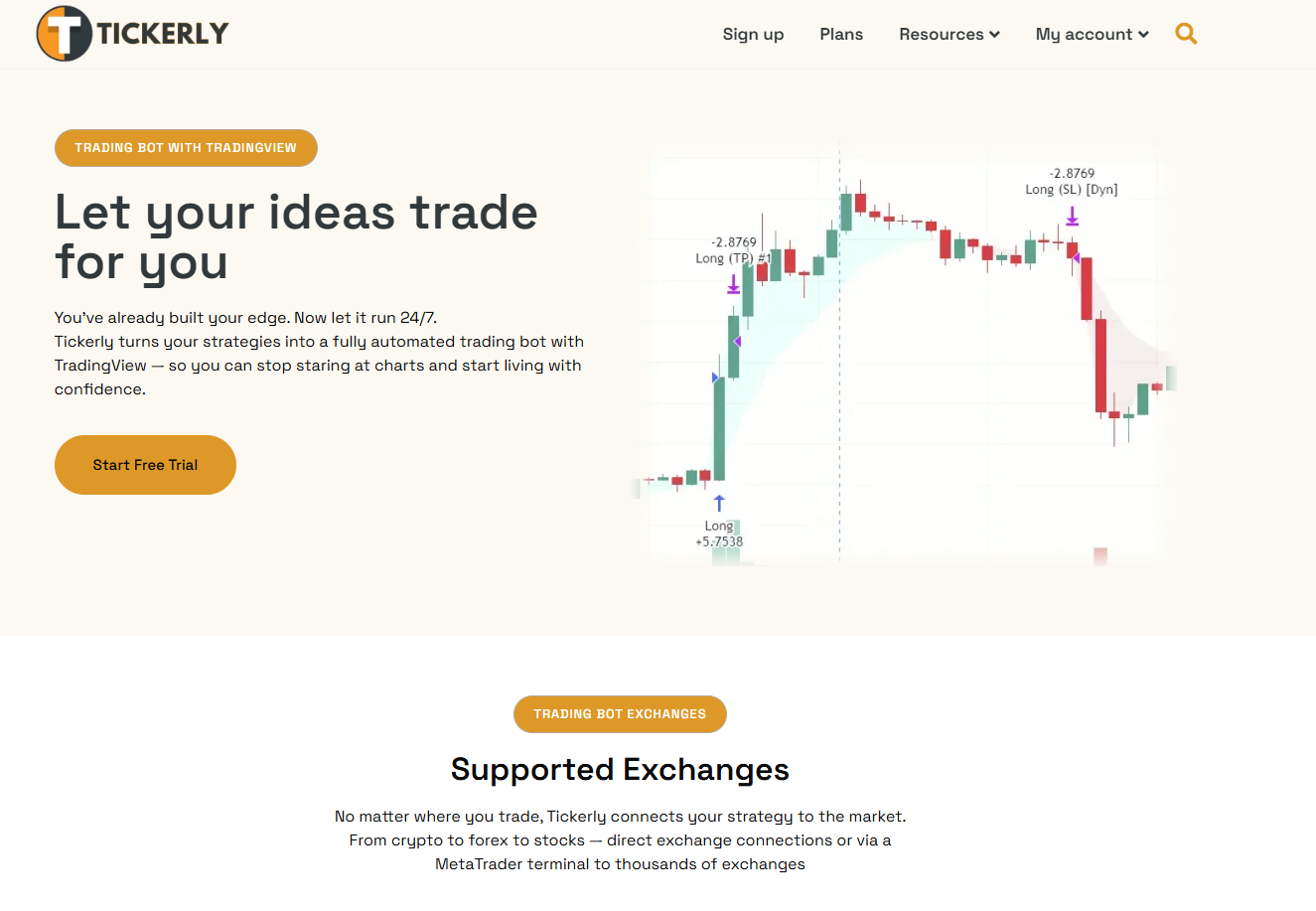
The practical implication: TradingView generates the signal and sends the webhook, and Tickerly turns it into an order on your exchange. Choose your TradingView plan by what your strategies need from TradingView itself (webhook alerts, enough alert slots, and non-expiring alerts if they run unattended for months), because Tickerly can only execute the alerts TradingView sends. Tickerly plans start at $19 per month with 20 active strategies and 100 alerts a day, with unlimited strategies and 1,000 alerts a day from Level 3, multi-asset support across multiple exchange connections, and no-code setup for Pine Script developers. The cost comparison is straightforward: price the TradingView tier your alerts actually need, add a Tickerly plan, and you have the full cost of automated execution.
Set up automated trading from TradingView and see whether the combination covers your workflow before paying for a higher TradingView tier.
Useful sources and further reading
- TradingView Pricing Page — Official source for current plan prices, feature lists, and billing mechanics. Start here before subscribing.
FAQ
What are the main benefits of upgrading TradingView?
The primary benefits are more indicators per chart, multi-chart layouts, higher alert counts, webhook support (Plus and above), and non-expiring alerts (Premium and above). Each removes a specific workflow constraint that the Free plan imposes.
Is a TradingView paid subscription worth it?
Yes, for active traders who use the platform more than a few hours per week. Essential at about $13/month is widely considered the minimum viable upgrade for anyone doing multi-timeframe analysis or running more than one alert simultaneously.
Which TradingView plan should I start with?
Start with Essential’s 30-day free trial. It removes the biggest Free-plan constraints (single chart, 3 indicators, 1 alert) at the lowest paid price. Upgrade to Plus only if you need webhooks or more than 20 alerts, and to Premium only if you need non-expiring alerts or deeper intraday backtesting.
Can you upgrade a TradingView subscription mid-cycle?
Yes. TradingView converts your remaining days on the current plan into equivalent credit on the new tier and unlocks the higher-tier features immediately. You are not charged for a full new period on top of your existing subscription.
Does Tickerly work with TradingView Essential or Plus?
Tickerly works with any TradingView plan that can send webhook alerts, which in this guide’s breakdown means Plus or above; check TradingView’s pricing page for the current tier before you subscribe. Pairing that plan with Tickerly gives you automated execution across multiple exchanges. Premium is still worth weighing if your strategies run unattended long enough for alert expiry to matter.