

Yes: TradingView alerts can trigger live KuCoin spot or futures orders through a webhook-forwarding automation platform paired with KuCoin API keys. The minimum setup requires a KuCoin API key, secret, and passphrase, a webhook URL from your automation layer, and a correctly formatted TradingView alert message. Spot and futures trading each need their own API permission scope, so confirm which market you’re automating before you generate keys.
TL;DR:
Confirm that your TradingView plan supports webhook alerts and that you have reliable API management access with separate API keys for spot and futures markets.
Ensure your webhook URL and JSON payload are correctly formatted and tested with a test alert to a demo connection and a tiny live order before live trading to prevent failed orders.
Limit API permissions strictly to trading functions, whitelist IP addresses, and regularly rotate secret keys to minimize security risks during automation.
Troubleshoot webhook failures by checking URL accuracy, payload formatting, authentication details, and account balances, avoiding common errors like mismatched symbol names.
Use automation platforms that handle symbol translation, signed exchange API calls, and fast order execution to improve reliability, especially when deploying multiple strategies simultaneously.
Table of Contents
What You Need Before Connecting TradingView to KuCoin
Before touching any settings, confirm you have the right accounts and access levels. Missing one piece here is the most common reason integrations stall on the first attempt.
-
TradingView webhook capability: your TradingView plan needs webhook alerts enabled, because an automation platform like Tickerly receives your alerts through TradingView’s webhook URL.
-
KuCoin account with API management access: you need a verified account with permission to generate API keys, not just a trading login.
-
A decided testing method: pick between small live orders ($1 to $2) or a demo connection (any Tickerly connection with “test” in its name routes to KuCoin’s demo environment) before risking real capital.
-
Everything collected upfront: API key, API secret and passphrase for your Tickerly connection, plus the webhook URL and your private pointer for the alert, gathered before you start editing TradingView alerts.
Spot and futures API permissions are separate scopes on KuCoin. If you plan to automate both markets, you’ll generate two keys, or one key with both permission boxes checked, depending on how your automation platform expects credentials to be structured.
How to Create KuCoin API Keys and Format TradingView Alerts
Connecting TradingView to KuCoin comes down to three moving parts: an API key with the right permissions, a webhook URL that receives your alert, and a payload formatted the way your automation platform expects. Here’s the sequence.
-
Create your KuCoin API key. Log into your account and navigate to the API management area, where you can generate a new key. Set a passphrase you’ll remember (KuCoin requires it for every authenticated request), enable the “Trade” permission (never withdrawal), and restrict the key to Tickerly’s IP address, 217.160.238.76, since every Tickerly order comes from it.
-
Add KuCoin to Tickerly and grab your webhook URL. In Tickerly, add KuCoin (or KuCoin Futures) as an exchange and paste the API key, secret and passphrase into the connection. They stay there and never go into an alert. Tickerly uses one webhook URL for every alert,
http://alerts.tickerly.net, and the pointer in the alert message tells it which connection to trade. Paste the URL into TradingView’s alert creation window, in the “Webhook URL” field under alert actions. -
Format the alert message as JSON. TradingView sends whatever text you type in the alert message box straight to your webhook. A basic Tickerly strategy alert looks like this. Copy the ready-made version with your pointer from My exchanges, and keep the straight quotes, because curly quotes break the JSON:
{
"ticker": "{{ticker}}",
"action": "{{strategy.order.action}}",
"prev_position" : "{{strategy.prev_market_position}}",
"quantity": "{{strategy.order.contracts}}",
"pointer" : "replace with pointer for your exchange here"
}
Once TradingView fires the alert, your automation platform reads the JSON, translates it into a properly signed KuCoin API call, and submits the order. Tickerly’s TradingView alert mapping explains how each field in your alert corresponds to a specific instruction the exchange executes.
Pro Tip: Keep a plain-text file with your exact payload templates for every strategy you run. When you’re troubleshooting at 2 a.m. because a fill didn’t go through, having the known-good JSON on hand saves you from guessing what changed.
How Do You Test the Webhook Before Going Live?
Testing before committing real capital catches most integration errors cheaply. Skipping this step is how traders discover a broken symbol mapping only after a missed entry.
-
Send a test alert from Tickerly to a demo connection and confirm it shows in the alert log. This isolates connection and exchange issues before TradingView is even involved. A raw POST with your live pointer is not a dry test: Tickerly will place the order.
-
Fire a $1 to $2 market order through an actual TradingView alert to confirm the full chain works end to end, from alert trigger to order fill.
-
Check KuCoin’s order history immediately after to verify the symbol, side, size, and (for futures) leverage matches exactly what you intended to send.
-
Cross-reference your automation platform’s execution log against KuCoin’s trade history; discrepancies here usually point to a payload field mismatch.
A browser extension such as Alert Detector can confirm whether TradingView actually dispatched the webhook, which helps separate a TradingView-side problem from an exchange-side one.
Security and Risk Controls for API-Connected Trading
An automated connection between TradingView and KuCoin is only as safe as the permissions behind it. A few habits cut your exposure substantially.
-
Grant Trade permission only. Never enable withdrawal permissions on an API key used for automation; there’s no legitimate reason a trading bot needs to move funds off the exchange.
-
Whitelist your automation platform’s IP address and rotate your API key and passphrase periodically, especially after any suspected exposure.
-
Store your secret and passphrase in a secure vault, not in a plain-text config file sitting on a shared drive.
-
Cap order size in the strategy so a malformed alert or a runaway strategy can’t place an oversized position while you’re away from your screen, and know your manual stop: pause the TradingView alert and send a close all alert to flatten the symbol.
-
Respect KuCoin’s API rate limits by keeping alert frequency sensible, and check Tickerly’s alert log and notifications for rejected orders rather than assuming every alert filled.
Pro Tip: Revoke and regenerate your API key the moment you stop using a strategy, even temporarily. An unused key with Trade permission is a liability sitting idle for no benefit.
Why Do TradingView Webhooks Fail to Reach KuCoin?
Most failures fall into four categories, and each has a fast diagnostic path.
-
Webhook returns a 4xx or 5xx error. Verify the webhook URL was copied correctly with no trailing characters, confirm your automation platform’s server is reachable, and reproduce the call manually with curl or Postman.
-
Payload gets rejected. Compare your alert’s JSON against a known-good template, field by field. A missing comma or a renamed key (“qty” instead of “quantity”) is the usual culprit.
-
API authentication fails. Re-enter your API secret and passphrase exactly as generated (copy-paste, don’t retype), and confirm the Trade permission box is still checked and your IP restriction includes Tickerly’s IP, 217.160.238.76.
-
Order execution fails despite a valid connection. Check your available balance, confirm margin mode and leverage settings on futures pairs, and check the symbol. Tickerly converts TradingView’s symbol into KuCoin’s format automatically, and the alert log shows the converted symbol, so confirm it is the market you meant to trade.
Tickerly’s troubleshooting reference walks through specific error codes tied to each failure type if the quick checks above don’t resolve it.
When Automation Actually Helps, and When It Doesn’t
Automation earns its place when speed and consistency matter more than judgment calls. Multi-strategy execution across correlated assets is where a webhook-driven system clearly outperforms manual entry; you simply can’t watch five charts and fire five trades in the same second by hand.
It’s a different story around illiquid pairs or scheduled news events, where slippage and spread widening can turn a clean signal into a bad fill. Stage any new strategy with small size first, keep a runbook for what to do when a webhook goes silent, and diversify across uncorrelated strategies rather than concentrating risk in one automated system.
— Jay
Automate the Whole Chain With Tickerly
Tickerly turns the setup above into a five-minute task instead of an afternoon of debugging JSON payloads. It gives you the ready-made alert message and webhook URL and handles the symbol mapping and the signed API call to KuCoin, so you focus on strategy logic in Pine Script rather than plumbing.
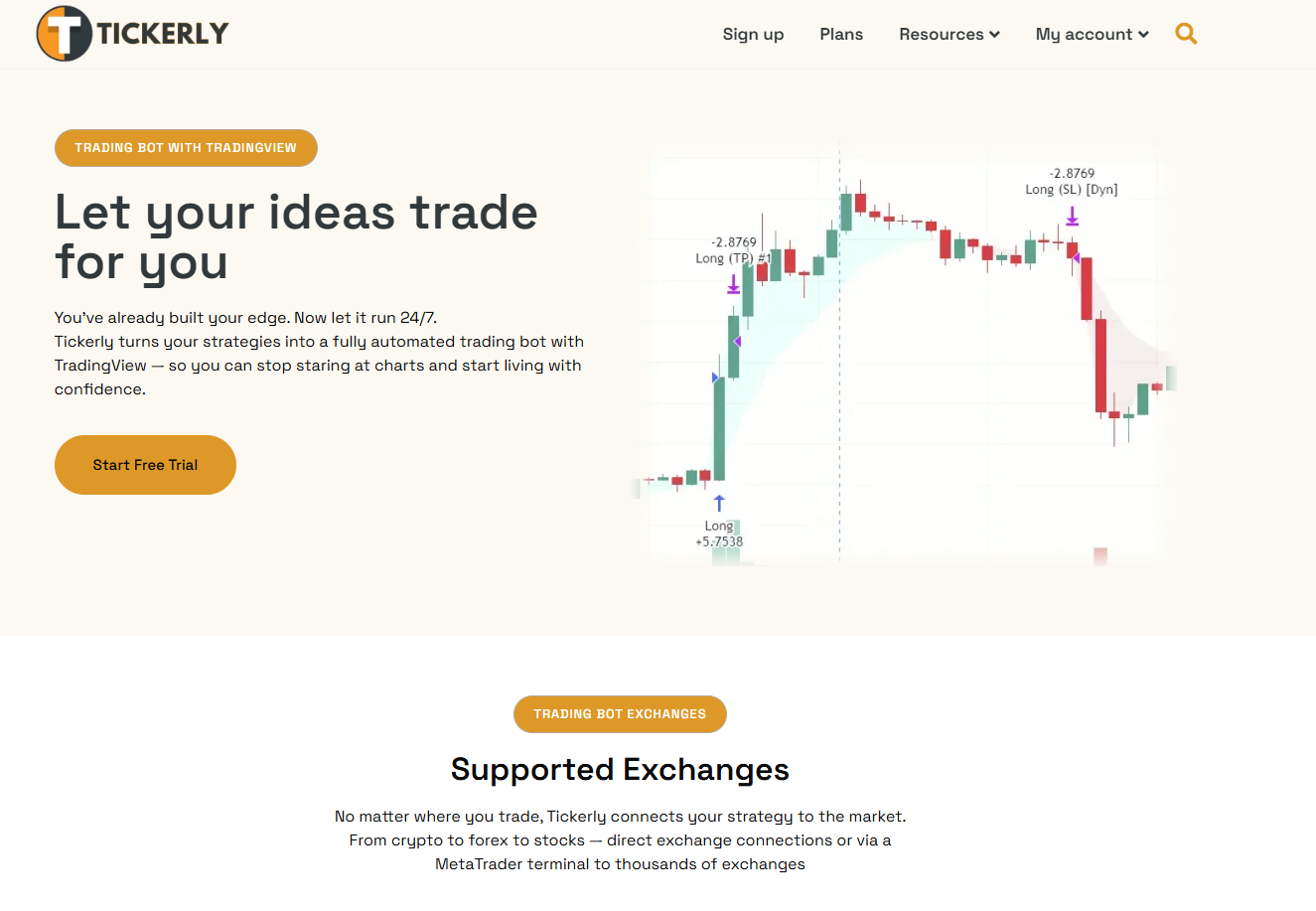
Execution speed matters when a signal fires and price moves in seconds, and Tickerly places the order within a fraction of a second of your alert, with support for running multiple strategies at once across KuCoin spot and futures connections without juggling separate scripts. The alert log records each alert and KuCoin’s response, so you can check orders against your alert history, which matters far more once you’re running several strategies concurrently. If you’ve followed the manual setup and want the reliability layer built in, connect your first TradingView-to-KuCoin bot and start your trial today.
Sources
KuCoin registration · KuCoin API management · Alert Detector extension · Tickerly API key setup
- Alert Detector — Chrome Web Store
FAQ
Can I trade on KuCoin in the US?
KuCoin’s availability for US residents depends on verification tier and evolving regulatory requirements, so check KuCoin’s own account terms for your specific state before funding an account.
Which crypto broker is compatible with TradingView?
Several exchanges support TradingView-triggered automation through webhook-forwarding platforms, and KuCoin is a common choice for spot and futures because its API supports the permissions automation requires.
Can I connect TradingView to my broker?
You can connect TradingView to a supporting broker or exchange if that broker exposes an API and your automation platform, such as Tickerly, can translate the webhook payload into that broker’s order format.
Can I use TradingView for crypto?
TradingView supports crypto charting and alerts across major exchanges, and those alerts become live crypto orders once paired with exchange API access through an automation platform.
What’s the difference between spot and futures API permissions on KuCoin?
Spot permissions authorize buying and selling coins outright, while futures permissions add margin mode and leverage controls that spot trading doesn’t use.
Recommended
This article was produced with Al assistance and reviewed for accuracy. It is provided for general information only and is not professional or financial advice.